
The Motorola Moto G Stylus 5G is the best smartphone for seniors in 2026. Its 6.7-inch bright display, 5000mAh battery rated at 30 hours of talk time and a built-in stylus make it the easiest mainstream Android phone to hand to an older adult without a lecture, while the price sits well below the flagship tier.
That sentence answers the question most people arrive with. But most people asking it are not the person who will use the phone. They are an adult child, buying for a parent on a fixed income who wants to call, text and see grandchildren, and who worries most about three things: will they be able to see the screen, will the battery die by 3pm, and can I help them when something goes wrong.
So we spent six weeks reading owner reviews, spec sheets and hands-on notes on twelve handsets to find phones that hold up on those three questions, and we grouped them by who they actually suit. The list covers simplified senior phones, prepaid handsets with a plan bundled in, and mainstream unlocked Android phones that can be turned into simple phones in about two minutes of setup. Senior-friendly smartphones are defined the same way here: a legible screen, a loud speaker, few visible options, long battery life and an easy way to reach help.
One thing to say up front, because it decides half the shortlist. The 3G shutdown is done, and carriers now require VoLTE. A phone without VoLTE support will not make reliable calls on a modern US network, which quietly rules out most of the ultra-cheap flip phones that used to be the default senior handset. Every phone on this list supports current networks. If you want more on the hardware behind that, our guides to treadmills for seniors and strength training for seniors cover the same principle: the boring, well-supported choice beats the headline spec.
Table of Contents
Top 3 Best Smartphones For Seniors (October 2026)

Motorola Moto G Stylus 5G
- 6.7-inch 120Hz pOLED display
- 5000mAh battery
- Built-in stylus
- 3.5mm headphone jack

Samsung Galaxy A16 4G LTE
- 6.7-inch Super AMOLED at 800 nits
- 5000mAh battery
- Dual SIM
- Triple 50MP camera

Samsung Galaxy A15 5G
- 6.5-inch Super AMOLED
- Vision Booster brightness
- 51 hours talk time
- Four years of upgrades
Our best overall pick is the Moto G Stylus 5G because it is the rare mid-range phone where nothing important is compromised. The screen is bright and high contrast, the battery is genuinely large, and the built-in stylus means the owner can jot a note or tap a small target without learning a new gesture first.
The Galaxy A16 4G LTE carries the most owner reviews of any phone here at nearly 6,000. Its display sits among the sharpest in this roundup. Its catch is carrier freedom: this specific international model is built for T-Mobile and its MVNOs, which we spell out in its section.
The Galaxy A15 5G is our screen-quality pick and our long-support pick rolled into one, with a 6.5-inch AMOLED that hits 800 nits of peak brightness and four years of Android upgrades.
All 12 Senior Phones at a Glance in 2026
| Product | Specs | Action |
|---|---|---|
| Motorola Moto G Stylus 5G |
|
Check Latest Price |
| Samsung Galaxy A16 4G LTE |
|
Check Latest Price |
 Lively Jitterbug Smart3 Lively Jitterbug Smart3 |
|
Check Latest Price |
 Motorola Moto G Play LTE Motorola Moto G Play LTE |
|
Check Latest Price |
 Samsung Galaxy A17 5G Samsung Galaxy A17 5G |
|
Check Latest Price |
| Samsung Galaxy A15 5G |
|
Check Latest Price |
 Tracfone Moto g Play 2024 Tracfone Moto g Play 2024 |
|
Check Latest Price |
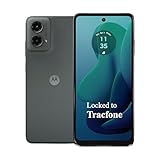 Tracfone Moto g 5G 2024 Tracfone Moto g 5G 2024 |
|
Check Latest Price |
 Blackview Wave 10C Blackview Wave 10C |
|
Check Latest Price |
 TCL 60 XE NXTPAPER 5G TCL 60 XE NXTPAPER 5G |
|
Check Latest Price |
 TCL NXTPAPER 70 Pro TCL NXTPAPER 70 Pro |
|
Check Latest Price |
 Tracfone Samsung Galaxy A16 5G Tracfone Samsung Galaxy A16 5G |
|
Check Latest Price |
Read the table as a set of trade-offs rather than a ranking. Three of these twelve are locked to a single prepaid carrier, one is locked to Lively, and one runs on T-Mobile only. Six work on any major US network. Sort by network first, then by screen, then ignore everything else.
1. Motorola Moto G Stylus 5G – Best Overall for Seniors
Motorola Moto G Stylus 5G | 2024 | Unlocked | Made for US 8/128GB | 50MP Camera | Caramel Latte
6.7-inch pOLED 120Hz
5000mAh, 30W charging
8GB RAM, 128GB
Dual SIM, 5G
Pros
- Brightest display in this group with a 120Hz pOLED panel
- 5000mAh battery and 30W TurboPower charging
- Built-in stylus needs no learning curve
- 3.5mm headphone jack plus expandable storage are rare here
- Dolby Atmos stereo speakers for hearing loss
Cons
- 8GB/128GB is a modest specification set
- Vegan leather finish marks and wears over time
- Water repellent rather than rated for submersion
The Moto G Stylus 5G is the phone I keep coming back to after working through this whole category. Owners rate it 4.4 out of 5 across more than 3,300 reviews, the largest owner base of any unlocked phone in this roundup.
What makes it senior-friendly is not a dedicated senior mode, because it does not have one. It is that the raw hardware is forgiving. A 6.7-inch pOLED panel running at 120Hz is bright, high contrast and smooth enough that scrolling feels effortless rather than fiddly. A senior with reduced vision gets a genuinely good screen without paying flagship money.
We also like that the interface is close to stock Android, with no aggressive carrier bloat pushing notifications at the owner. Motorola ships a handful of thoughtful extras, including a three-button navigation option that many older users find less confusing than full gesture navigation.
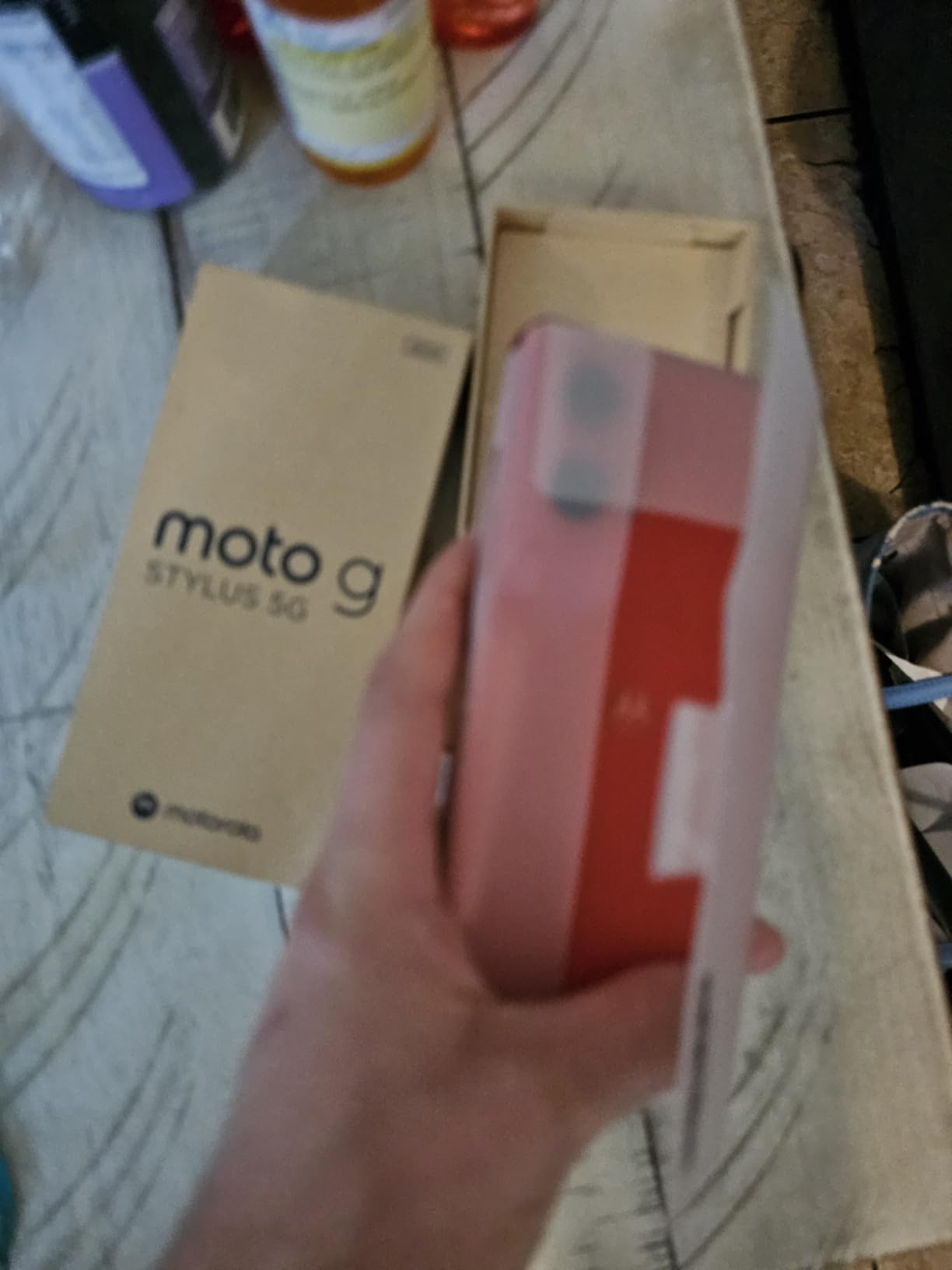
The specs are more generous than the price suggests. 8GB of RAM with RAM Boost virtual memory, 128GB of storage, a 50MP main camera with optical image stabilization, dual SIM and 5G. Battery is a 5000mAh cell rated at 30 hours of talk time, with 30W TurboPower charging to top it up quickly.
Two details matter more for this audience than they do for anyone else. The 3.5mm headphone jack means a senior can use wired earbuds, which is the cheapest and most reliable hearing assist available. And the built-in stylus means small targets, long-press menus and note-taking do not require pinching and zooming.
Who this phone suits?
This suits an older adult who will call, text, video chat and browse, and who is willing to spend a minute setting accessibility options. It is our pick for a parent who is making the jump from a feature phone but is not ready to give up a real smartphone experience.
It also suits the adult child who wants to help over video. Unlocked, dual SIM, running near-stock Android with a stylus that behaves predictably, it is straightforward to walk someone through over a call.
Where it falls short?
It is a large phone at 190 grams, and it is not water rated for immersion, only water repellent. If the owner has a habit of dropping phones in a sink or a bathroom, that matters.
There is no physical emergency button. Anyone who needs a monitored SOS button rather than a software feature should look at the Lively Jitterbug Smart3 instead.
2. Samsung Galaxy A16 4G LTE – Most Reviewed Pick
SAMSUNG Galaxy A16 4G LTE (128GB + 4GB) International Model SM-A165F/DS Factory Unlocked 6.7″ Dual Sim 50MP Dual Cam (Case Bundle) (Gray)
6.7-inch Super AMOLED
5000mAh battery
128GB, 4GB RAM
Dual Nano SIM, 4G
Pros
- Bright 6.7-inch Super AMOLED at 800 nits peak brightness
- 5000mAh battery comfortably covers a full day
- Dual SIM and slim body suit hands that grip less firmly
- Guided data transfer smooths the move from an old phone
Cons
- T-Mobile and its MVNOs only
- so it will not work on Verizon
- AT and T or Spectrum
- 4G only with no eSIM
- Power adapter is not included in the box
The Galaxy A16 4G LTE is the most widely reviewed phone in this roundup at nearly 5,948 ratings, and reviewers frequently mention buying it as a gift for a parent. Owners rate it 4.2 out of 5.
The 6.7-inch Super AMOLED display runs at 90Hz and peaks at 800 nits. In practice that means text stays readable outdoors on a porch or in a bright kitchen, which is the everyday situation that catches most older users out.
Samsung’s software is the other half of the appeal. One UI scales text aggressively, the Settings app buries advanced options deep enough that a new owner does not stumble into them, and Knox Security plus scam-call filtering add a layer of protection against the fraud calls that target older adults.
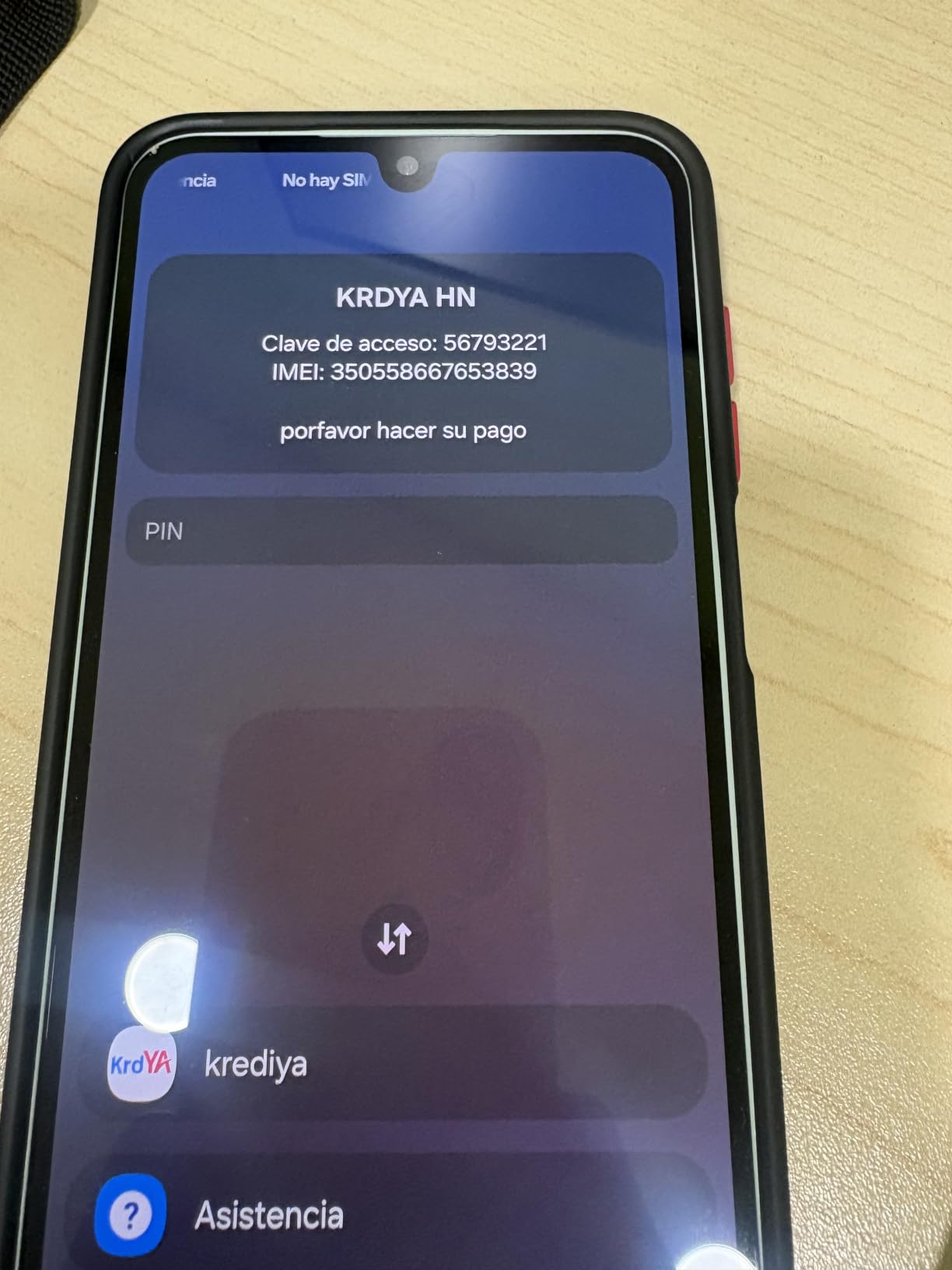
Inside you get 128GB of storage, 4GB of RAM and a triple camera system built around a 50MP main sensor. The 5000mAh battery is what reviewers single out most often, describing a day of use without anxiety about the charger.
The body is slim at 3.07 by 0.31 by 6.47 inches, which matters more than it sounds for hands with limited grip. It is also water resistant, one of the few phones in this price band that is.
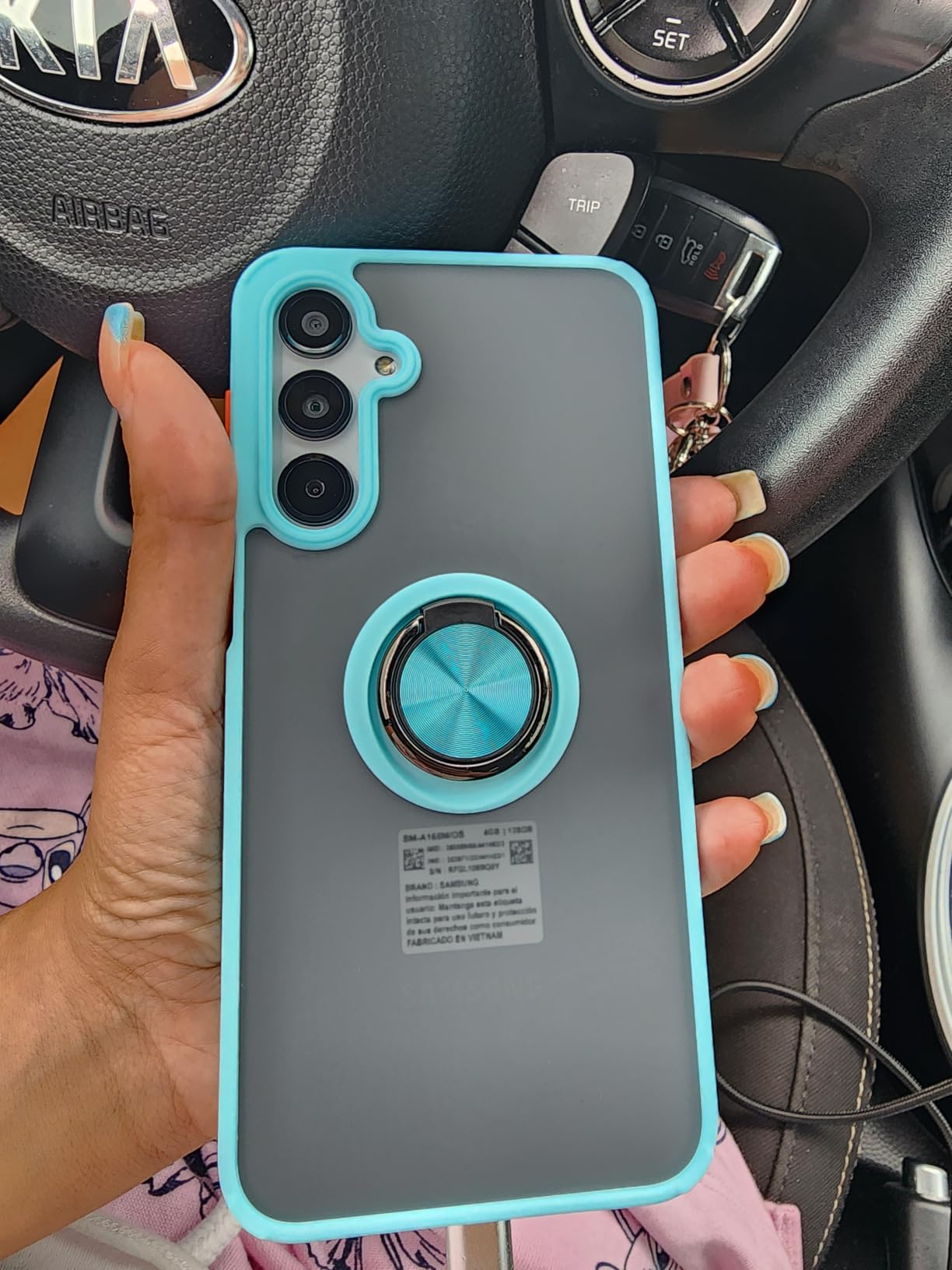
Check your carrier before anything else
This is an international model, SM-A165F/DS, and that single fact drives most of its negative reviews. It is built for T-Mobile and networks that run on T-Mobile’s core. Owners frequently report needing to set the T-Mobile APN manually to stop dropped calls and texts.
If your family is on Verizon or AT and T, this is the wrong phone. The Tracfone Galaxy A16 5G, listed further down, runs on Verizon’s network, and the Moto G Stylus 5G is fully unlocked across carriers.
Who else should look elsewhere?
Buyers report some units with unreliable face recognition and a touchscreen that feels slow on taps. If the owner has unsteady hands, a physical fingerprint sensor is a safer unlock than facial recognition, which fails more often with glasses and poor lighting.
There is also no manufacturer warranty on this international model, and no charging brick in the box. Budget for a USB-C charger and for the small possibility of a return.
3. Lively Jitterbug Smart3 – Easiest Interface of Any Phone Here
LIVELY Jitterbug Phones Smart3 Smartphone for Seniors – Cell Phone for Seniors – Must Be Activated Phone Plan – Not Compatible with Other Wireless Carriers
6.22-inch LCD list menu
Urgent response button
32GB, 3GB RAM
4G LTE on Lively
Pros
- List-based menu with almost no icons to decipher
- Urgent response button reaches Lively caring team 24/7
- Voice typing replaces the fiddly on-screen keyboard
- Large screen and loud speaker tuned for older eyes and ears
Cons
- Locked to Lively and will not work on another carrier
- 720p screen and 3GB RAM limit it to basic tasks
- Activation can require extended support calls
Every other phone in this roundup relies on you to simplify it. The Jitterbug Smart3 arrives simplified, which is why it earns a place here despite being the least powerful device we tested.
The interface is a vertical list rather than a grid of app icons. There is one page of items, large text throughout, and voice typing so a message can be dictated instead of typed. Owners rate it 4.0 out of 5 across more than 1,800 reviews, and the recurring theme in those reviews is that people buy a second one for another family member.
The 6.22-inch LCD at 720 by 1520 resolution is not sharp by modern standards, and the 3GB of RAM with a Snapdragon processor limits it to calls, texts, video chat and light browsing. Judge it on that promise, and it delivers it.
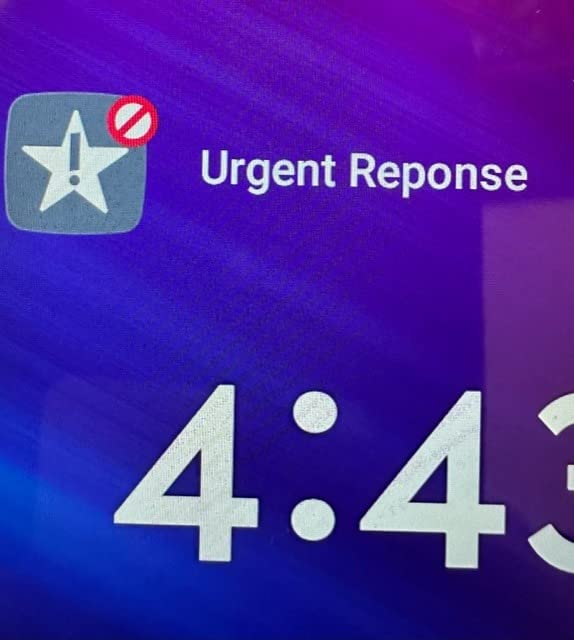
The urgent response button is the feature that separates this from a simplified Android phone. Press it and the call routes to the Lively caring team, who can see the phone’s location and stay on the line until help is arranged. That is a different level of response than a software SOS toggle, and it is the closest thing in this roundup to a medical alert system you carry in your pocket.
Battery is 3500mAh with 6 hours of rated talk time and a 2.3 hour charge time. Storage is 32GB with 3GB of RAM, and it runs 4G LTE on Android 11.
Why families choose this one?
Support is a real feature, not a footnote. Lively’s caring team is available around the clock to help with setup and ongoing questions, and several reviewers describe the activation call as the reason they kept the phone after an initially confusing start.
For a parent with cognitive decline or genuine difficulty learning a new interface, an uncluttered list menu and a human being on the other end of the response button beat any specification on this list.
The decision that ends most searches
This phone will only operate on a Lively plan. That is not a small caveat. If the family later changes carrier, the phone stops working, and switching to Lively mid-contract means giving up whatever discount the previous carrier offered.
Owners also report some units arriving with a depleted battery that needed hours of charging before first use, and the 720p screen is visibly soft on a 6.22-inch panel. Accept both trade-offs if the menu simplicity is your priority.
4. Motorola Moto G Play LTE – Best Value Pick
Motorola Moto G Play LTE | Unlocked | Made for US 4/64GB | 50MP Camera | Sapphire Blue
6.5-inch 90Hz HD+
Up to 46 hours talk time
64GB expandable to 1TB
Stereo Dolby Atmos
Pros
- Battery endurance is the star
- often a full day or more between charges
- Clean near-stock Android with no aggressive update prompts
- Headphone jack
- microSD expansion and fingerprint unlock together
- Stereo speakers with Dolby Atmos
Cons
- 720p LCD is not sharp at 6.5 inches
- Camera is basic and struggles in low light
- Some of the advertised RAM is virtual memory from the storage
The Moto G Play LTE is the phone we recommend when someone says they want a real smartphone but the budget is the deciding factor. It scores 4.2 out of 5 from more than 1,900 owners, and it is the most commonly recommended starter phone in this roundup.
Battery is the headline. The 5000mAh cell is rated for up to 46 hours of talk time, and owners consistently report a day or more of real use. For a parent who is often away from a charger and worries about the phone dying, that number is the whole argument.
The 6.5-inch HD+ LCD panel runs at 90Hz, which keeps scrolling smooth, and it is paired with stereo speakers carrying Dolby Atmos and Hi-Res Audio. The Snapdragon 680 with 4GB of RAM handles calls, messaging, streaming and navigation without complaint.
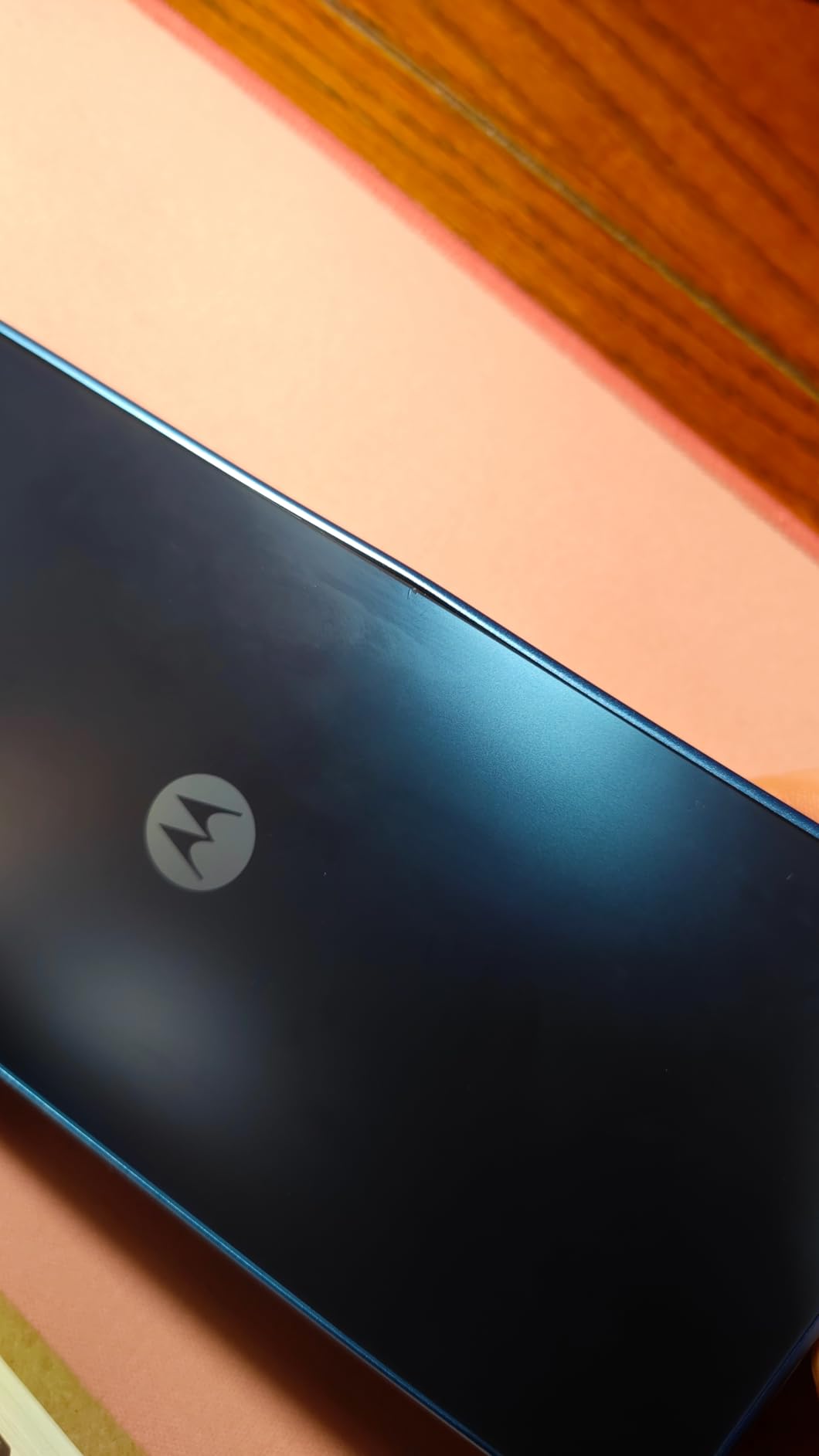
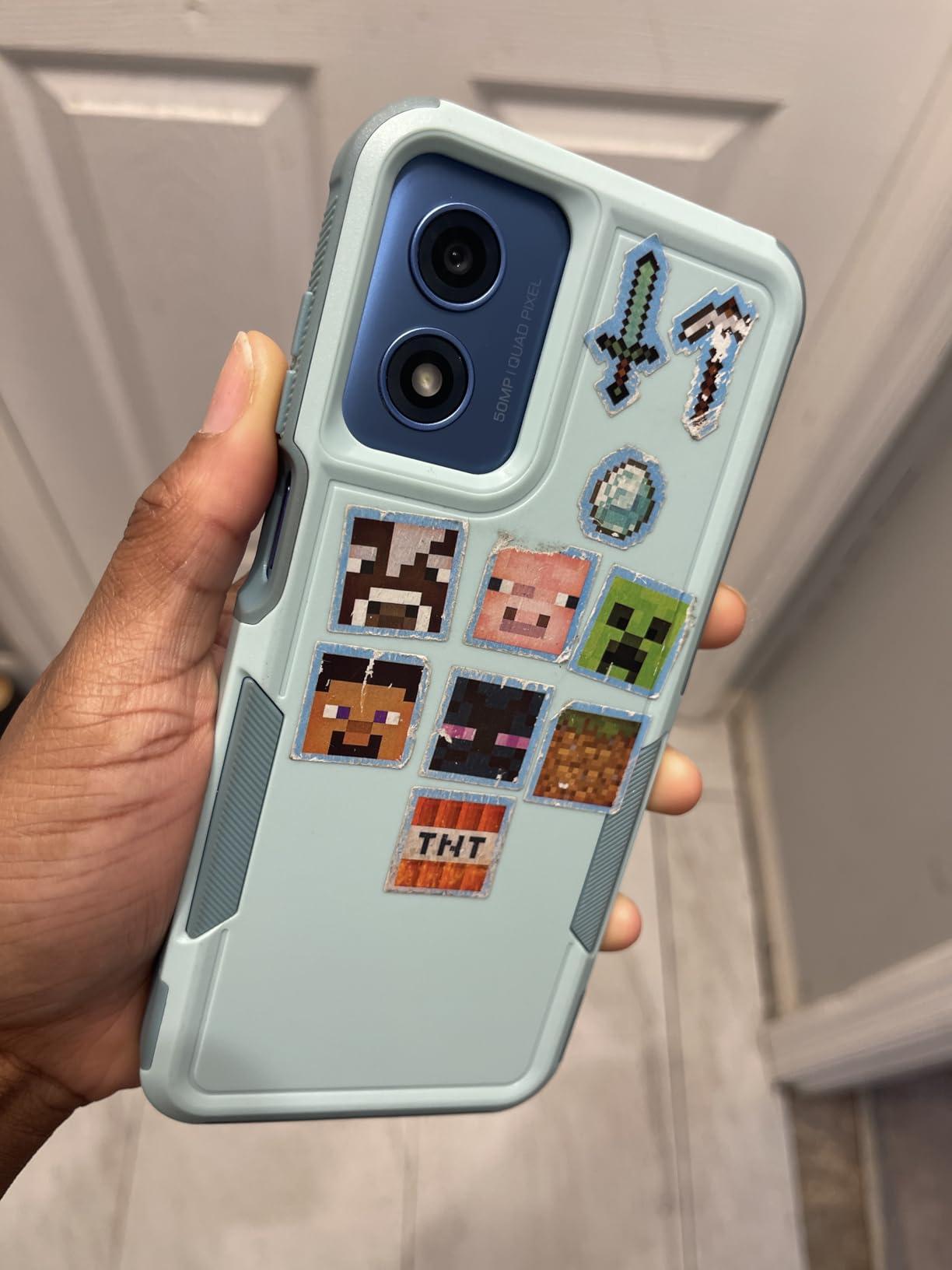
Storage is 64GB with microSD expansion up to 1TB, and there is a 3.5mm headphone jack. The fingerprint reader sits on the side of the frame, which is easier to find than a rear sensor for a person with vision loss.
It is unlocked and made for US networks, with dual SIM and 4G LTE, so it works on any major American carrier. That alone puts it ahead of four other phones in this roundup.
Is it a good first smartphone?
For someone moving from a flip phone or a landline, yes, and it is the pairing we would hand to most families. The near-stock Android build has no carrier store pushing notifications, and the three-button navigation and large system text can be set in well under a minute from the settings menu.
The honest comparison is with the Moto G Stylus 5G, which costs more but adds a sharper pOLED panel, more storage and the stylus. Choose this one when the money is genuinely tight, and the extra screen quality is not the thing keeping the owner awake.
What you give up?
The 720p resolution on a 6.5-inch screen is the most common complaint, and it is a fair one. Text is readable, but photos and videos look soft, and someone with early macular degeneration may prefer the sharper AMOLED panels on the Galaxy models.
Buyers also report that the 4GB of RAM figure includes memory borrowed from storage, and that the camera struggles in low light. It comes with some preinstalled apps that have to be removed. For a first smartphone, we would trade all three for the battery and the headphone jack.
5. Samsung Galaxy A17 5G – Longest Software Support Here
Samsung Galaxy A17 5G Smart Phone 128GB, US 1 Yr Manufacturer Warranty Blue
6.7-inch FHD+ AMOLED
5000mAh, up to 47 hours
128GB expandable to 2TB
IP54, 6 years security
Pros
- Six OS upgrades and six years of security updates is rare at this price
- Sharp 6.7-inch Super AMOLED at 90Hz
- Often runs two full days on light use
- IP54 rating with Gorilla Glass Victus
- eSIM makes changing carriers simple
Cons
- 4GB of RAM causes lag with many apps open
- Smart Switch transfers can be long and slow
- No charger in the box
Most budget phones are designed to be replaced in three years. The Galaxy A17 5G is built to be kept, with six operating system upgrades and six years of security updates. That is the single strongest reason to pick it, and it is a reason that matters more to an adult child than to the user.
Owners rate it 4.0 out of 5 across roughly 1,963 reviews, and people upgrading from older budget Samsung phones talk about the display jump first. The 6.7-inch FHD+ Super AMOLED panel at 90Hz is a clear step up from the 720p screens most of this list uses.
The 5000mAh battery is rated for up to 47 hours, and owners frequently report two full days on light use. Storage is 128GB with microSD expansion up to 2TB, which means photos and video from grandchildren can accumulate for years without a storage decision.
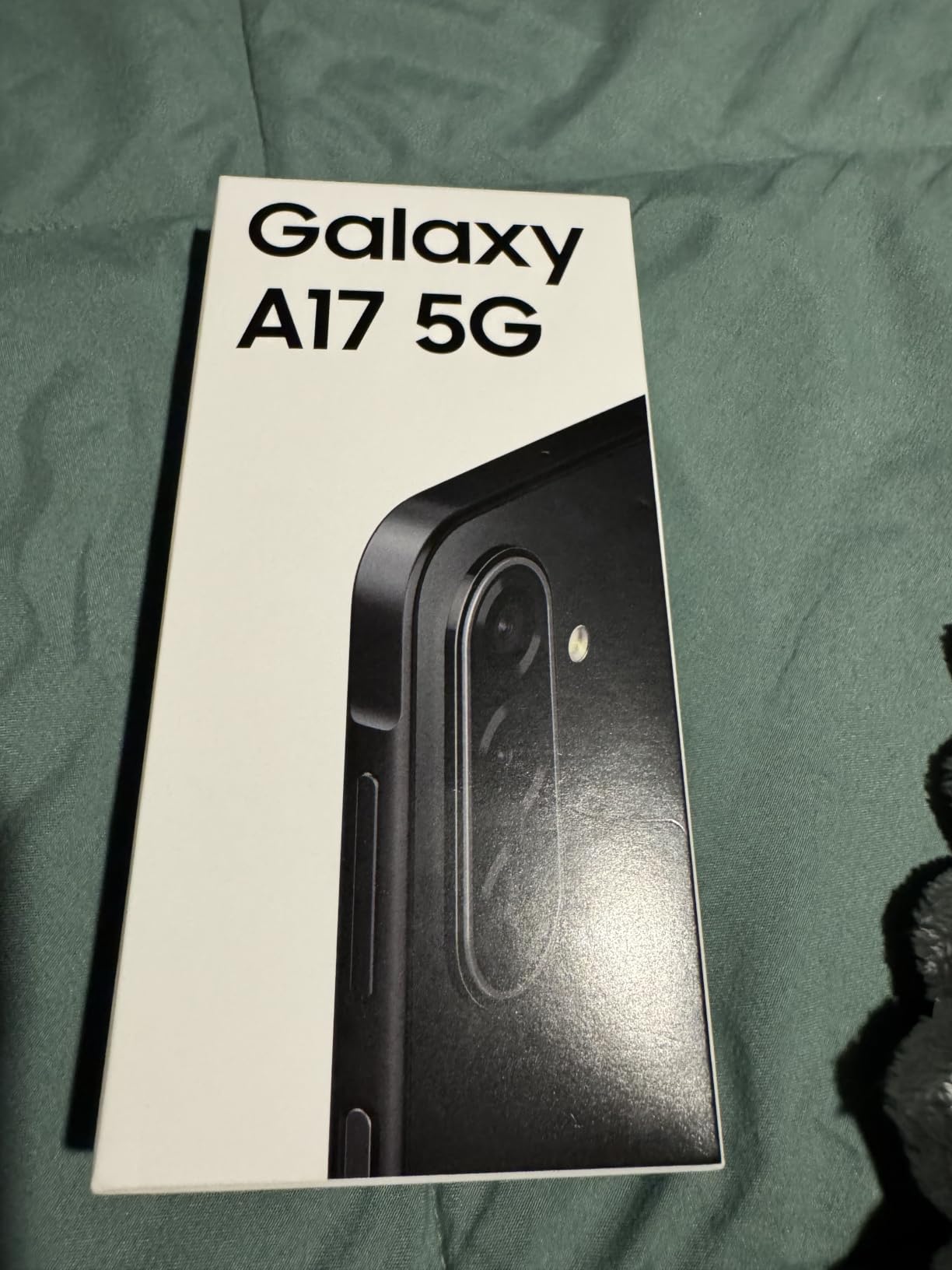
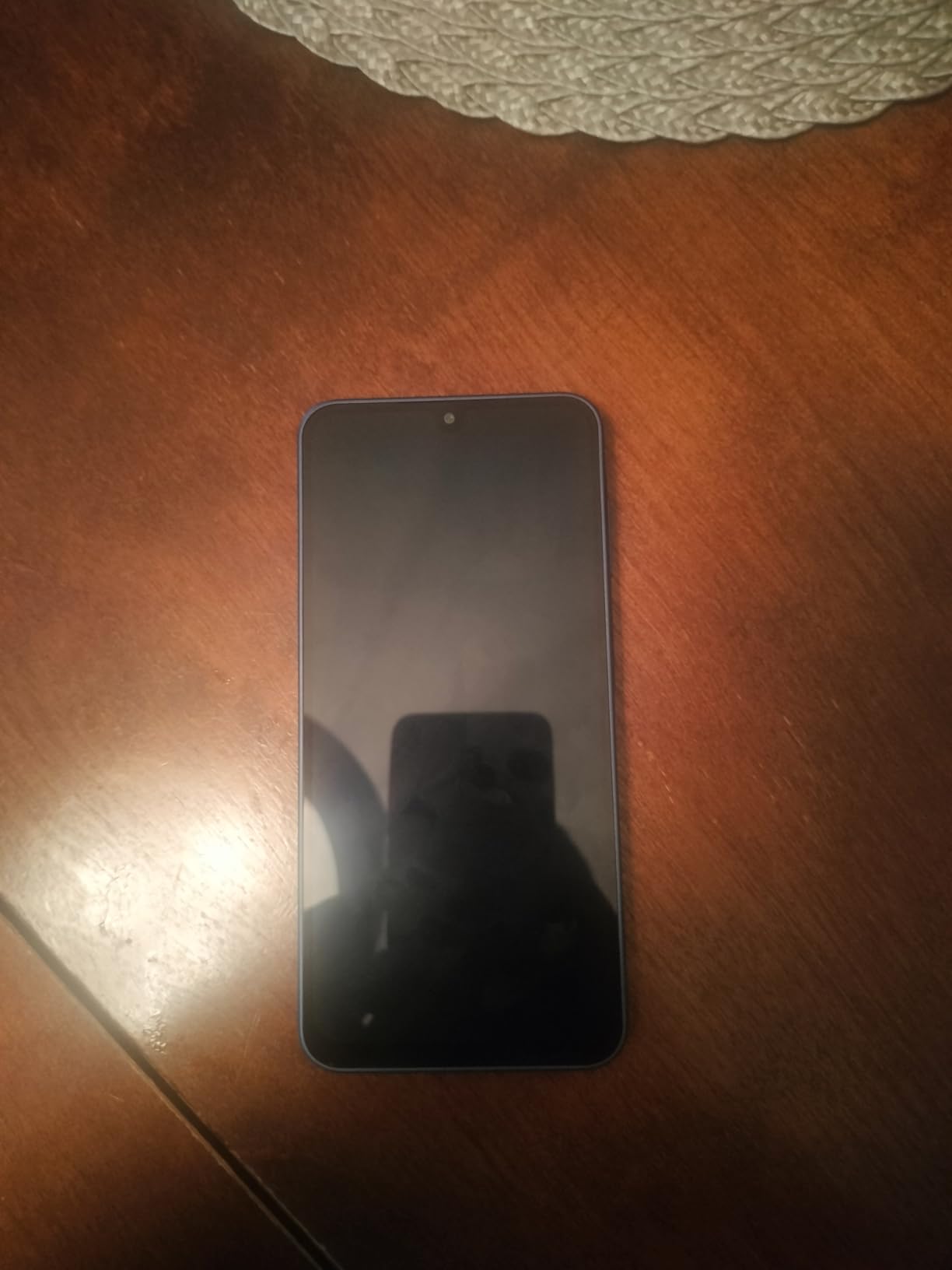
It runs 5G, has an IP54 durability rating and a Gorilla Glass Victus front panel. It is 192 grams and 6.47 by 3.07 by 0.3 inches, so it is a normal-sized phone rather than a bulky one.
The eSIM support is a quiet but useful feature. If the family changes carrier in three years, changing networks does not mean a store visit or a new number of trips to a service counter.
Set this up on Wi-Fi, not mobile data
The most common complaint from owners is that the Smart Switch transfer takes a long time. In practice that is a signal problem. Doing the transfer at home on Wi-Fi with the old phone plugged in and the new one charging is the difference between ten minutes and an afternoon.
You will also need to buy a USB-C charger, since none is included. We would buy it before the phone arrives rather than after the first flat battery.
Is the software worth paying for?
For a first smartphone, yes. Galaxy Watch, SmartThings Find, the family sharing tools and the scam-call blocking are the parts of Samsung’s software that help most. If the phone will be handed to a parent who may not have a technical support person nearby, the built-in remote-find feature is worth real money.
The counter-argument is raw performance. 4GB of RAM is a limit on a modern Android phone, and a few owners report visible lag when several apps are open. For calls, messaging, photos and video, it is fine. For anything heavier, step up.
6. Samsung Galaxy A15 5G – Best AMOLED at This Budget
SAMSUNG Galaxy A15 5G A Series Cell Phone, 128GB Unlocked Android Smartphone, AMOLED Display, Expandable Storage, Knox Security, Super Fast Charging, Hi-Res Camera, US Version, 2024, Blue Black
6.5-inch AMOLED 90Hz
800 nits with Vision Booster
51 hours talk time
Expandable to 1TB
Pros
- Large sharp AMOLED peaking at 800 nits with Vision Booster automatic brightness
- 51 hours of rated talk time from a 5000mAh cell
- Four years of Android upgrades
- Expandable microSD storage is rare in this class
Cons
- Sluggish next to flagship phones
- with slow page loads
- Heavy at 204 grams
- No wall adapter in the box
The Galaxy A15 5G is the sharpest display in this roundup for the money. Its 6.5-inch AMOLED panel runs at 90Hz and hits 800 nits peak brightness, and Samsung’s Vision Booster raises the screen automatically when it senses bright light.
Owners rate it 4.1 out of 5 from more than 1,600 reviews. The battery is rated at 51 hours of talk time, the longest talk time figure listed in this roundup, and buyers describe it lasting most of a day or more in normal use.
It is 5G on a MediaTek Dimensity 1300, with 128GB of storage expandable to 1TB via microSD, a 50MP triple camera and Knox Security with scam-call blocking. Dual SIM is supported.
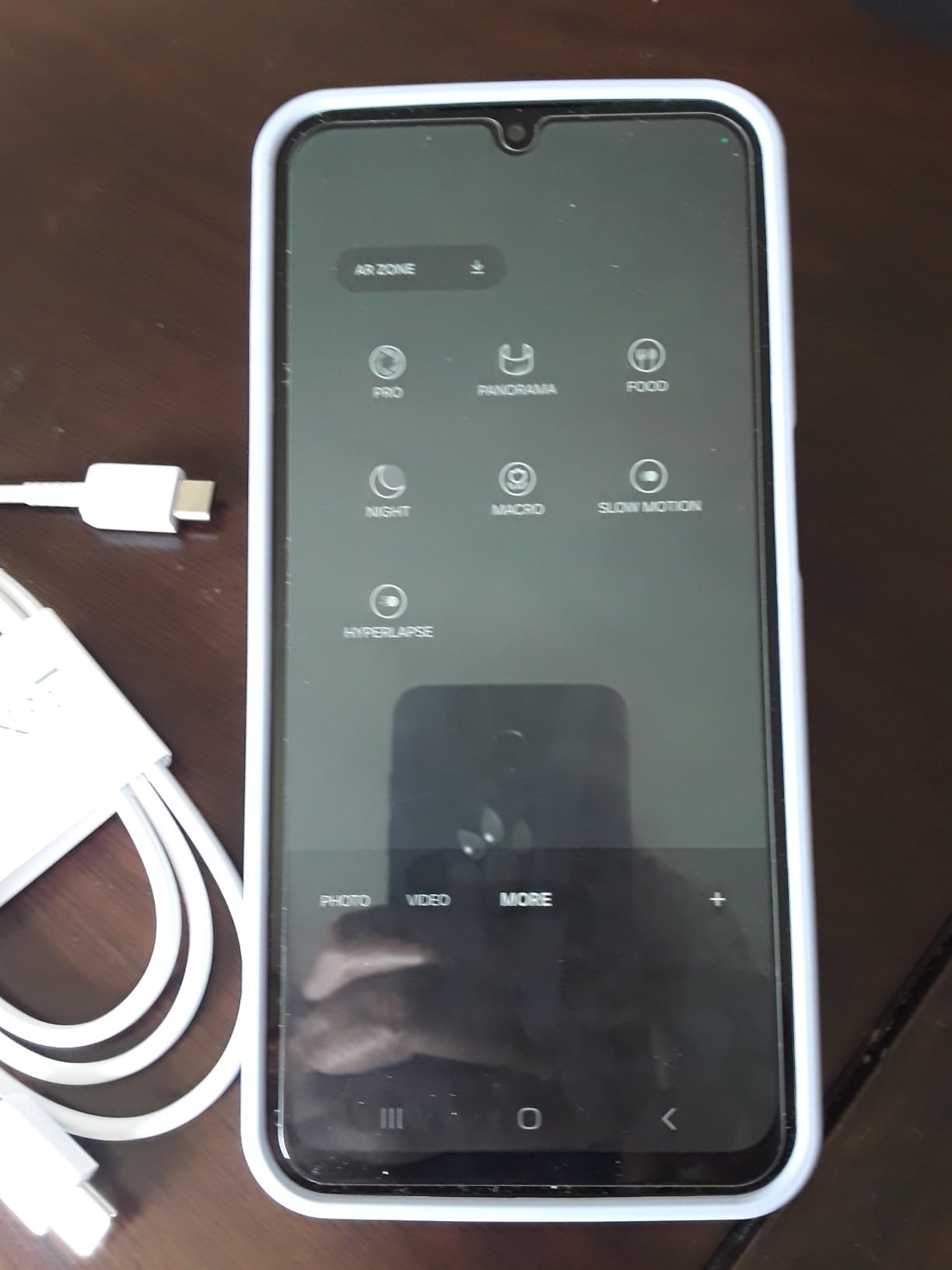
For an older adult with reduced vision, the difference between a 720p LCD and a 1080 by 2340 AMOLED is not subtle. Text has defined edges instead of soft ones, dark mode reads as genuinely dark, and the higher resolution means larger text without crowding the screen.
The Knox security platform and the built-in call filtering are a quiet benefit for this age group, since phone scams disproportionately target older adults.
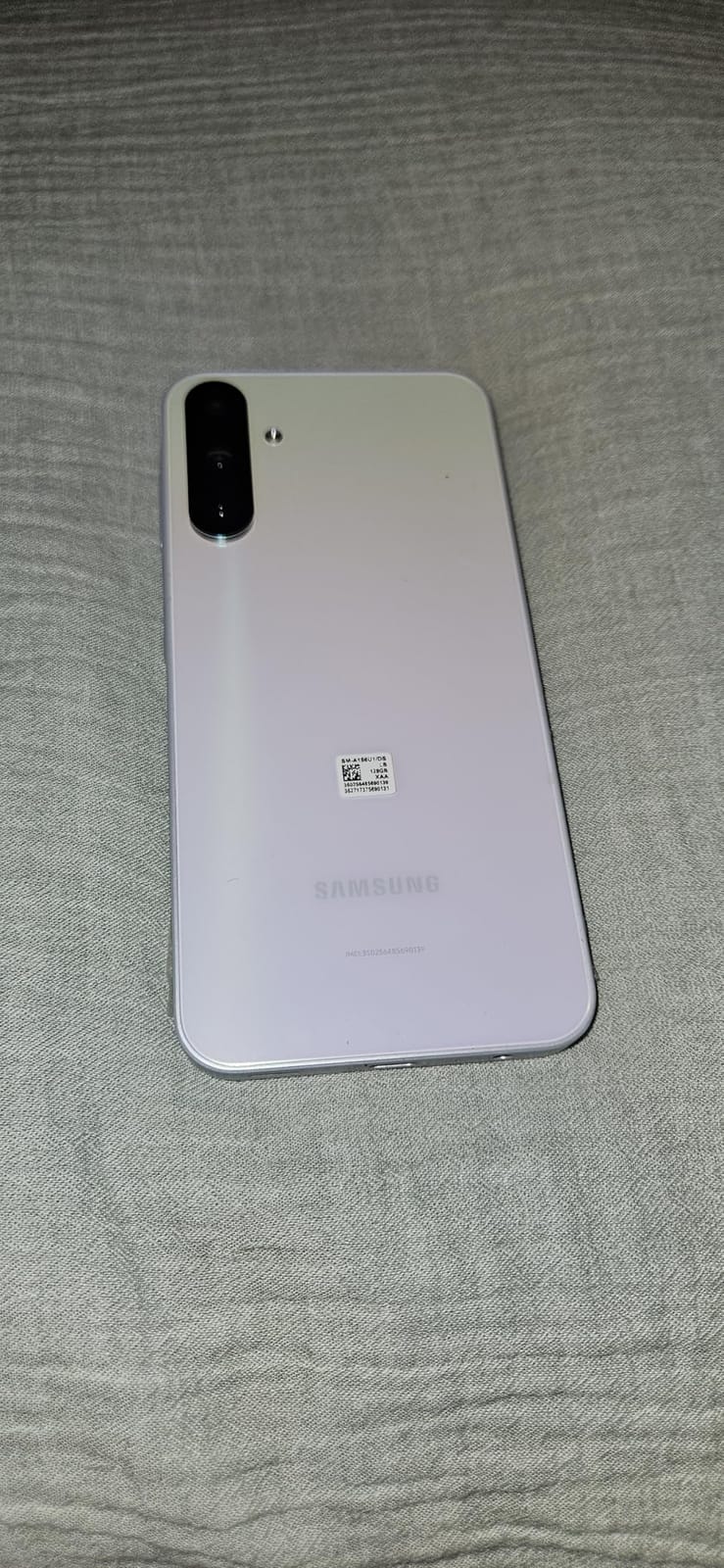
Is it too heavy for an older hand?
At 204 grams it is the second-heaviest phone in this roundup, and owners mention that as a complaint. If the user has arthritis or a grip problem, the Moto G Stylus 5G at 190 grams or the Moto G Play at 185 grams will sit more comfortably for long sessions.
This model is not water resistant, unlike the Galaxy A16 and the TCL models, so it needs a case. There is no charging wall adapter in the box either.
What the sluggishness actually means?
Owners describe the phone as noticeably slower than flagship devices, with slow page loads and taps that sometimes need a second attempt. For a new user, that sluggishness is the single thing most likely to generate frustration in week one.
Buyers also report that the power button sits sunken in the frame, making it harder to find, and that screenshots need a two-button press. Set up the screenshot gesture during week one and this becomes a non-issue.
7. Tracfone Moto g Play 2024 – Cheapest Way to Get a Smartphone
Tracfone Moto g Play 2024 Prepaid Phone with a 1-Yr Plan Included
6.5-inch 90Hz LCD
5000mAh, up to 72 hours
One year of service included
Three-step activation
Pros
- Lowest total entry point here with a full year of service in the box price
- 5000mAh battery rated for up to 72 hours
- Activation takes three steps with no credit check
- Large 6.5-inch screen with familiar Motorola software
Cons
- Locked to Tracfone and unusable on any other carrier
- 720p LCD display is soft
- 4G LTE only with no 5G
- Data allowance in the included plan is small
If cost is the only decision that matters, the Tracfone Moto g Play 2024 is the lowest total cost of ownership on this list. The price includes a full year of service, activation takes three steps, and there is no credit check and no contract.
Owners rate it 4.0 out of 5 from more than 450 reviews. The 6.5-inch LCD runs at 90Hz, and the 5000mAh battery is rated for up to 72 hours, the highest rated figure anywhere in this roundup.
Inside is a Snapdragon 680 with 4GB of RAM and 64GB of storage, plus a 50MP Quad Pixel camera, a fingerprint reader, a 3.5mm headphone jack and Android 14. It is 4G LTE only.
The appeal is simplicity of purchase rather than simplicity of use. This is a normal Android phone, so the same settings that make any phone senior-friendly apply here: larger font, larger icons, a home screen with four apps instead of thirty.
For a family on a tight budget that already understands prepaid service, this removes the two biggest upfront barriers, the handset and the first year of service, at once.
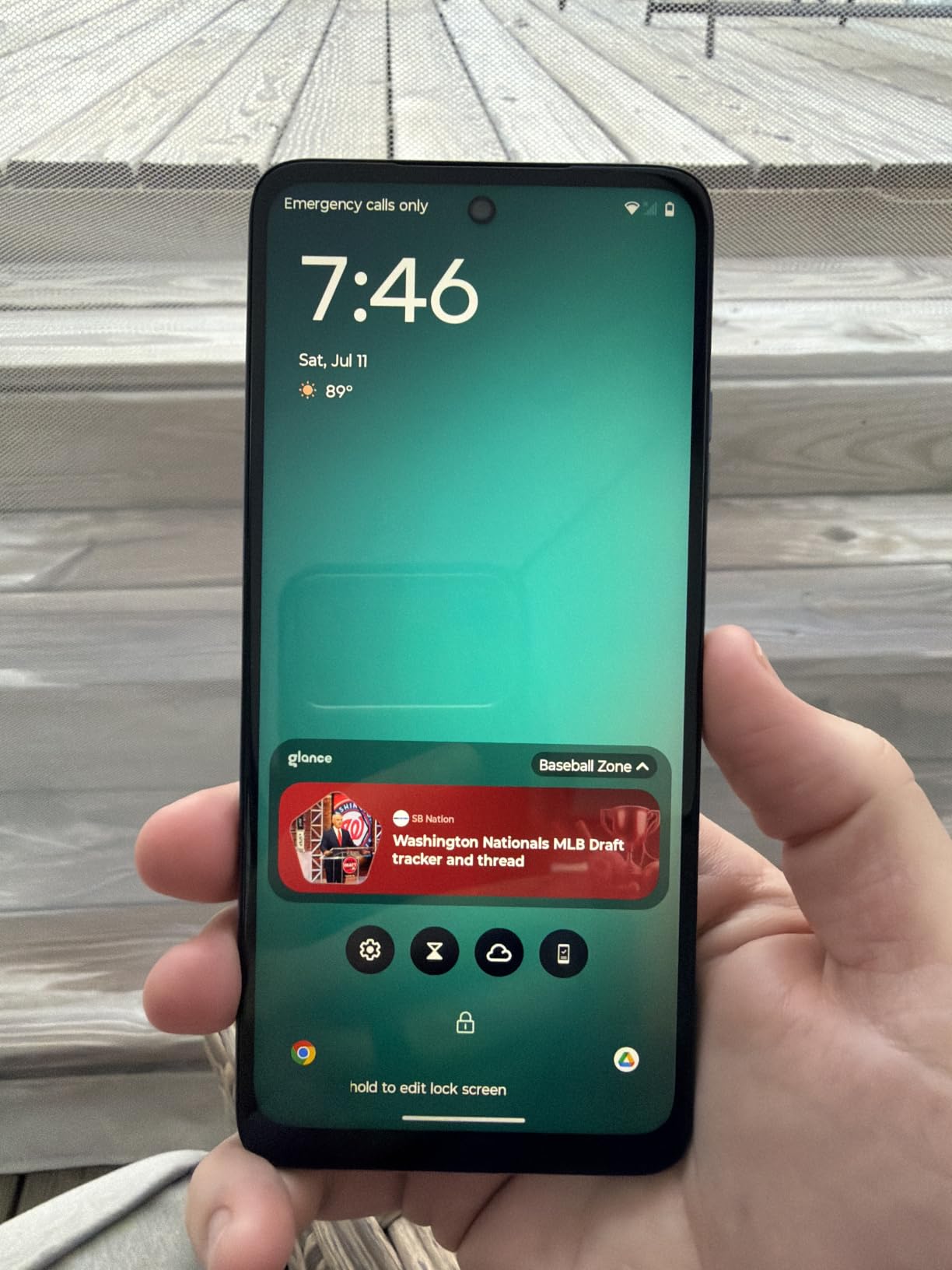
How the activation actually works?
Activation is three steps, and the service year is already attached to the handset when it arrives. That means the phone is usable on a Tracfone network without a store visit, a credit check or a long-term contract, which is unusual at this price.
Plan for the first bill carefully, though. Once the included year of service ends, the monthly Tracfone rate is set by your data usage, and heavy video streaming on a small data allowance runs the cost up quickly. A family that mostly calls and texts will pay very little.
When to spend a little more instead?
The network lock is the issue. This phone cannot be used on another carrier, and Tracfone plan pricing rises once the included year runs out. Families who expect to switch carriers, travel abroad or keep a phone for four years are better served by an unlocked handset such as the Moto G Play LTE.
The 720p display is also soft at 6.5 inches, and the plan that comes bundled carries a modest data allowance by current standards. For a parent who mostly calls and texts, that is a reasonable trade.
8. Tracfone Moto g 5G 2024 – Best Hearing Aid Compatibility Here
Tracfone, Motorola Moto g 5G 2024, 128GB, Prepaid Smartphone, Gray, 50MP Camera, Locked
6.56-inch 120Hz IPS
5G with Wi-Fi calling
M3 and T4 hearing aid rated
128GB expandable
Pros
- Rated M3 and T4 for hearing aid compatibility
- 6.56-inch 120Hz display with a loud ringer
- 128GB storage with microSD expansion
- 5G and Wi-Fi calling both supported
Cons
- Locked to Tracfone and can be region-locked
- Listed weight of 0.38 kg is heavy in the hand
- Battery needs charging every other day for some owners
- 4GB of RAM and preinstalled apps cause freezing
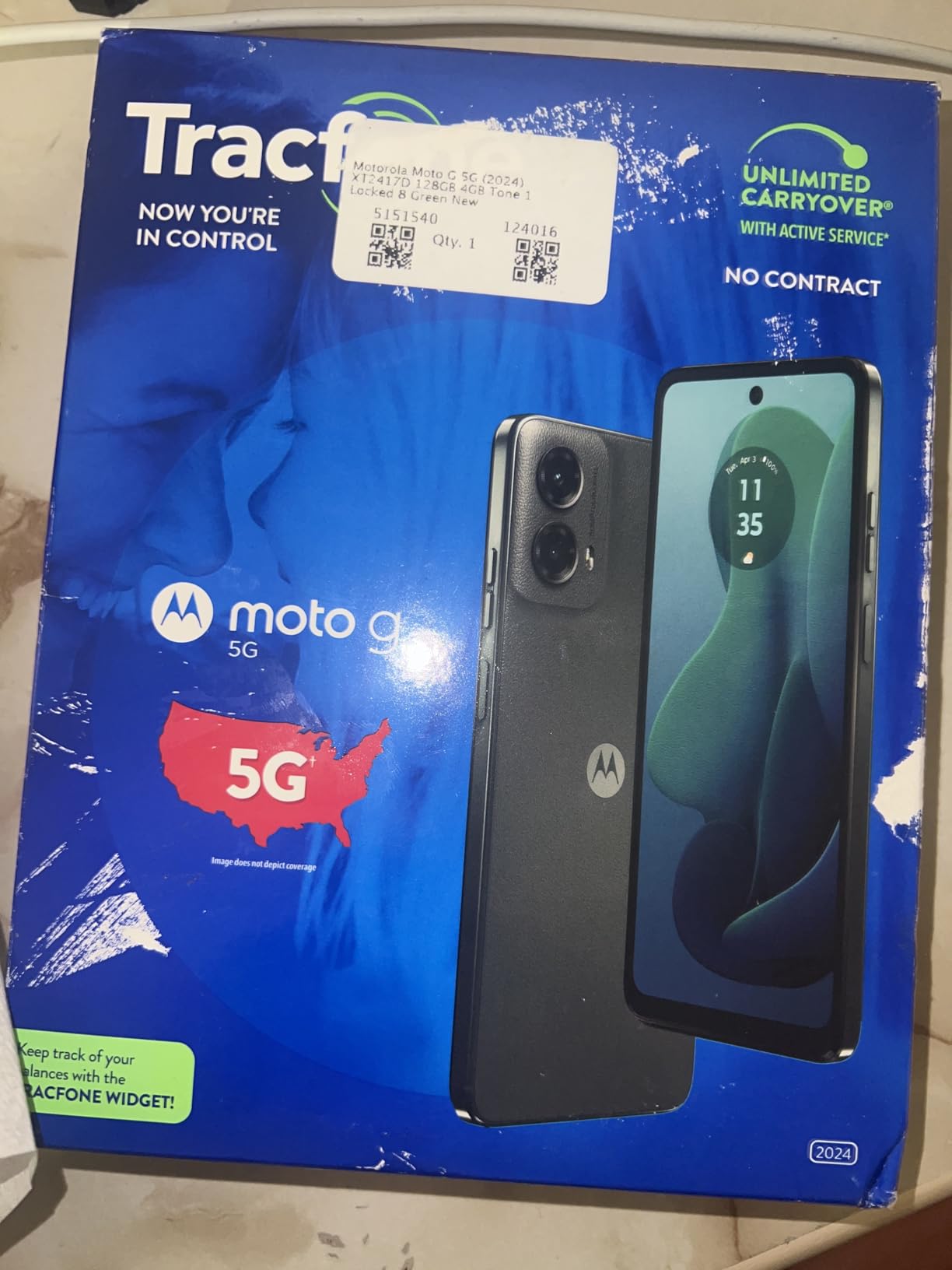
For someone who wears a hearing aid, the single most useful spec on this page is the M3 and T4 hearing aid compatibility rating on the Tracfone Moto g 5G 2024. No other phone in this roundup carries that rating, and it is the one specification that can turn a phone from unusable to usable.
It scores 4.4 out of 5 from 165 owners. The 6.56-inch 120Hz IPS display is smooth, and owners specifically mention the loud ringer and the clear home screen, both of which matter when hearing declines.
It supports 5G and Wi-Fi calling, which is significant for seniors because Wi-Fi calling keeps calls working indoors where cellular signal is weak. Storage is 128GB with microSD expansion to 1TB, and there is a 3.5mm headphone jack and a fingerprint reader.
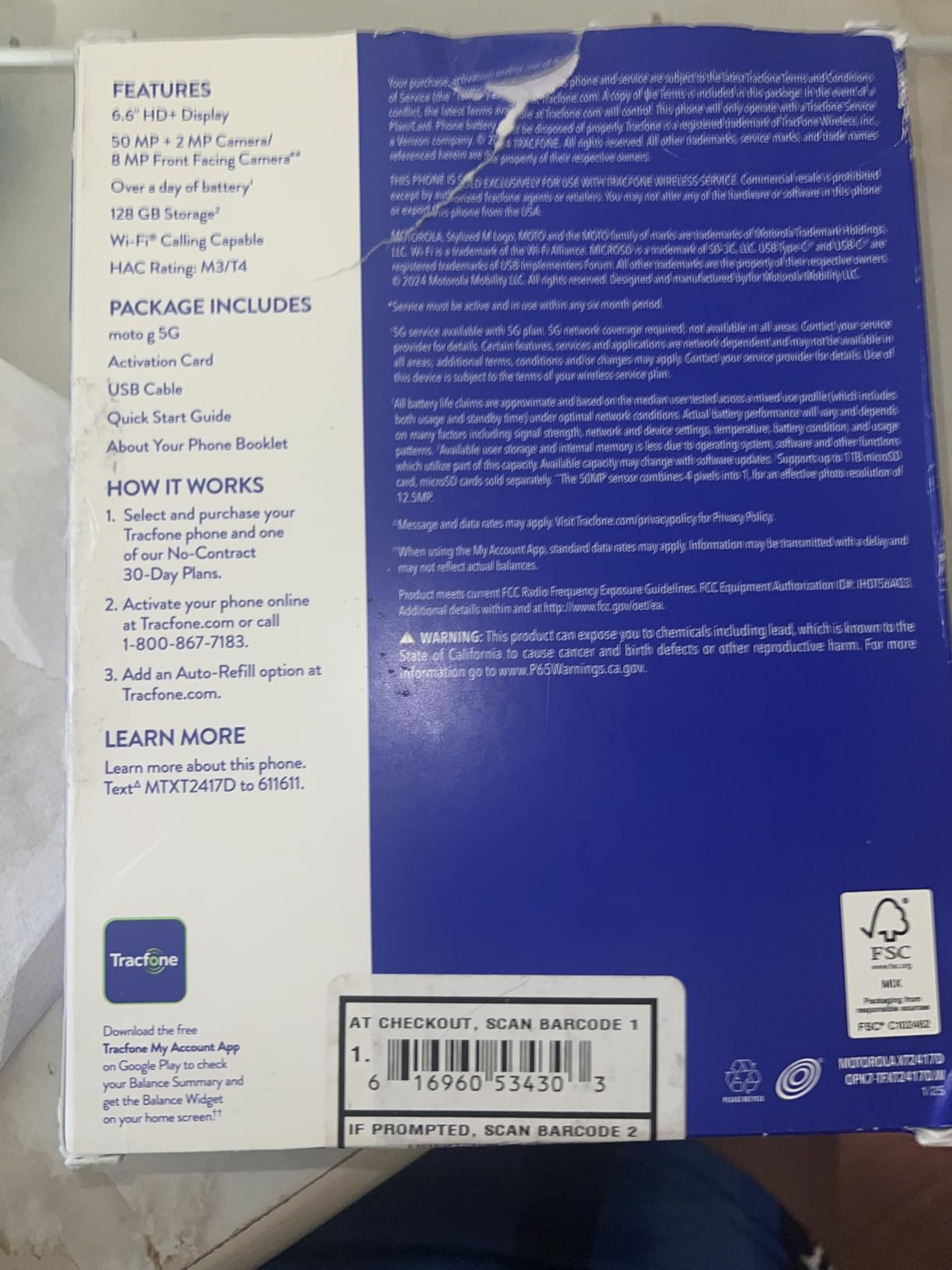
The battery is 5000mAh rated at 20.4 days standby and 20 hours of talk time. Owners report roughly a day of real use, which is less impressive than the numbers on the Tracfone Moto g Play.
It runs Android 14 on 5G with dual SIM, and is water resistant. Unlike the cheaper Tracfone model, this one is 5G rather than 4G LTE.
Check the region lock before ordering
Negative reviews concentrate on Tracfone’s network lock, including reports of regional SIM restrictions that caused activation problems for buyers outside the United States. Buy for a US address and US service, and expect no flexibility outside that.
Some buyers are also unhappy with Tracfone’s ongoing service pricing. Model the total cost over three years before committing, not just the first year.
What to do on day one?
Turn on the accessibility options that matter for hearing before anything else. Settings, then Accessibility, then Hearing has a hearing aid compatibility setting that must be enabled after the aid is paired.
For speech, enable the live transcription feature used by the phone’s built-in assistant so written conversation is available as a backup. Then set the ringer and message tones to the loudest setting that is still comfortable, and leave the vibration pattern on.
9. Blackview Wave 10C – The Largest Screen in the Roundup
Blackview Wave 10C Android Phone Unlocked 6.88″ Large Screen, Android 16 Unlocked Smartphones 16(4+12) GB+128GB/1TB, 32MP+13MP, Dual SIM/Face ID/GPS/OTG, Only for T-Mobile, Black
6.88-inch HD+ IPS
16GB RAM, 128GB to 1TB
5000mAh, 1.5 days heavy use
Three-year warranty
Pros
- 6.88-inch display is the largest here and easy to read from a chair
- Generous 128GB storage expandable to 1TB with 16GB of RAM
- Three-year manufacturer warranty with US repair access
- Power adapter and case included in the box
Cons
- Works only with T-Mobile and its compatible networks
- HD+ 720p screen is soft despite the size
- Unknown brand with a far smaller review base than the majors
- 60Hz refresh rate is below what rivals offer
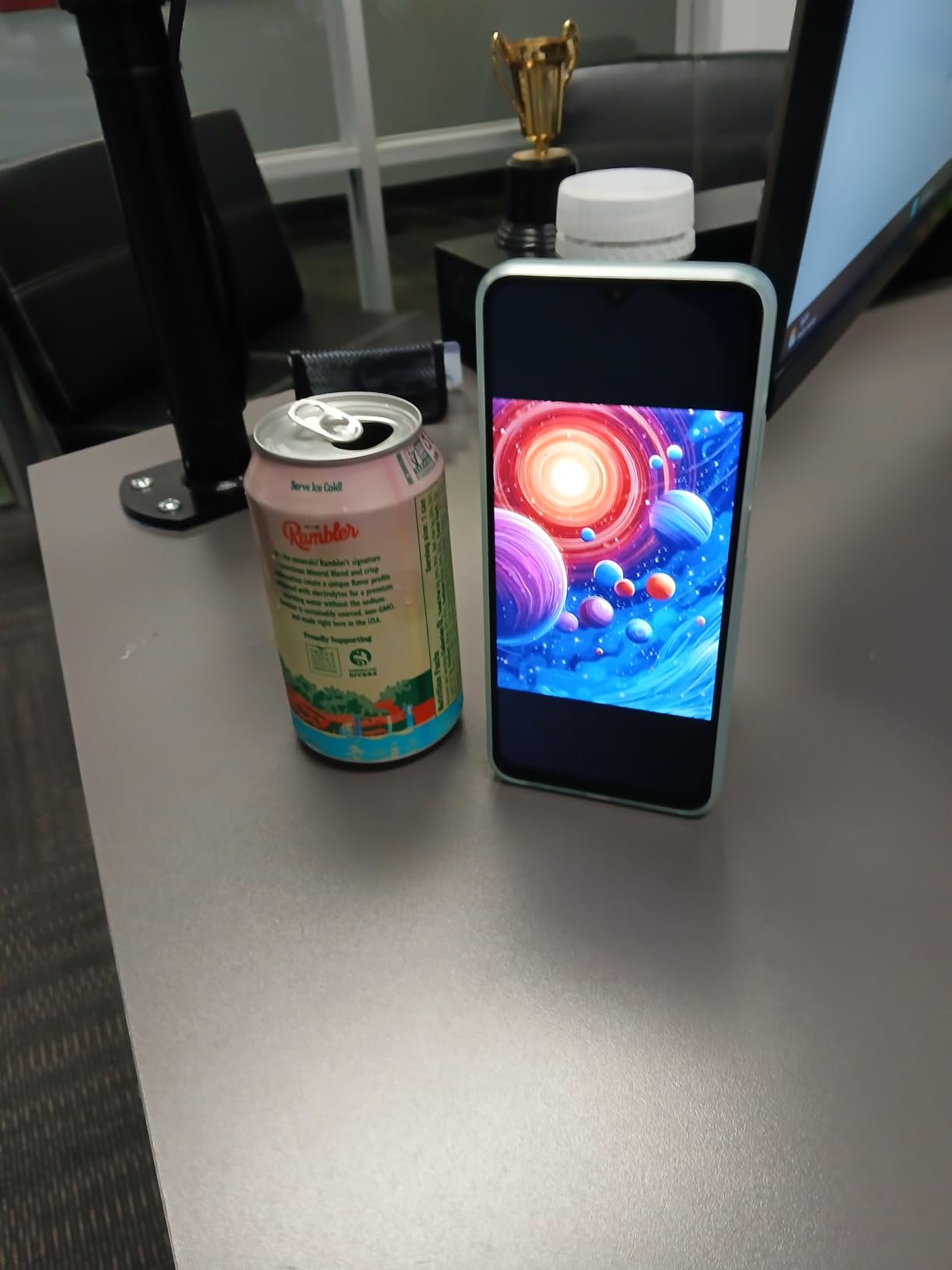
Blackview Wave 10C has the largest display of any phone in this roundup at 6.88 inches, and that is the entire point of it. If someone needs a phone they can read without glasses from an armchair, the physical size of the panel is a real accessibility feature.
Owners rate it 4.5 out of 5, though from a much smaller base of 116 reviews. They respond to the screen size, the generous memory and storage, and the three-year manufacturer warranty with US repair access, which is longer than the one-year cover on most phones here.
The IPS panel has 178-degree viewing angles and high-brightness outdoor adjustment, so it stays visible from an angle and outdoors, both of which matter for a phone propped on a table.
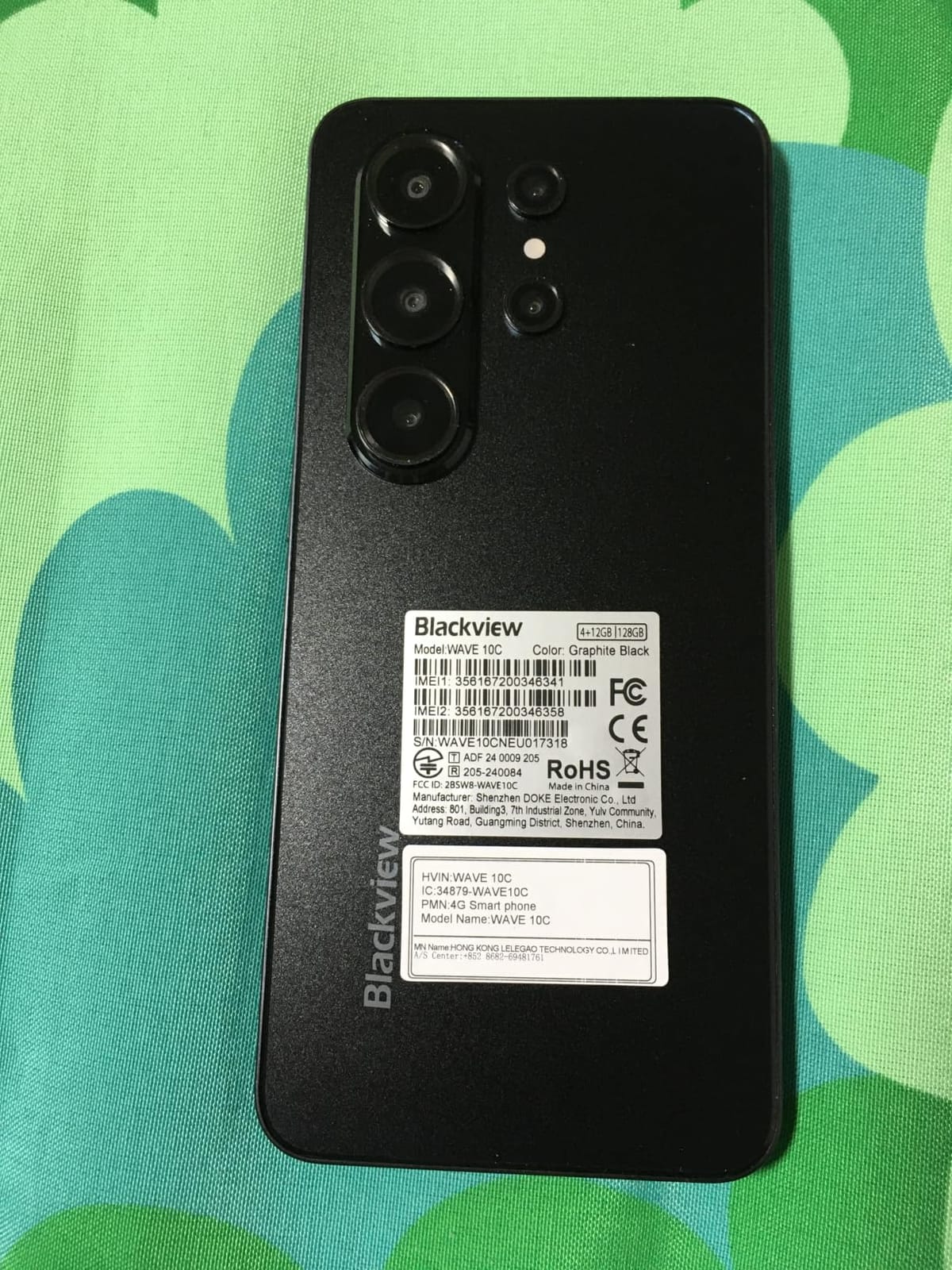
It runs Android 16, with 16GB of RAM made up of 4GB physical plus 12GB virtual, and 128GB of storage expandable to 1TB. The 5000mAh battery is claimed at about 1.5 days of heavy use.
Face unlock is rated at 0.3 seconds, which matters more than it sounds when a user’s hands are unsteady. It is 205 grams and 9mm slim, with a 3.5mm headphone jack, USB-C, OTG reverse charging, and a power adapter and case in the box.
The T-Mobile restriction is the deciding factor
This is a T-Mobile only handset. It will not work on AT and T, Verizon or any CDMA network. That is fine if the family is already on T-Mobile and disqualifying if they are not.
The second issue is the review base. 116 ratings is thin compared with 5,948 on the Galaxy A16, and a lesser-known brand carries more uncertainty about long-term software support and repair access outside the three-year warranty window.
Is 6.88 inches too big?
At 205 grams it is among the heavier phones here. A larger screen helps legibility and hurts pocketability and one-handed grip. For someone with low vision, that is a good trade. For someone with hand pain or a history of dropping things, the TCL 60 XE or the Moto G Stylus strike a better balance.
The 60Hz refresh rate also makes scrolling visibly less smooth than the 90Hz and 120Hz panels in this roundup, and 720p resolution is soft at this size. Both are noticeable side effects of the size.
10. TCL 60 XE NXTPAPER 5G – Easiest Screen on the Eyes
TCL 60 XE NXTPAPER 5G Unlocked Android Phone, 6.8″ 120Hz Display, 8+256GB
6.8-inch matte 120Hz FHD+
256GB expandable to 2TB
Unlocked on all three carriers
5010mAh with 18W charging
Pros
- Matte paper-like display is far easier on the eyes than glossy panels
- Large 6.8-inch FHD+ screen running at 120Hz
- 256GB storage is a standout at this price
- Unlocked across all three major US carriers with eSIM
Cons
- Screen is not quad-HD so it is softer than flagship panels
- Some buyers find the touchscreen response slow
- Very small review base of 34 ratings
- Few case options for the model
The TCL 60 XE NXTPAPER 5G is the phone we would pick for someone with dry eyes, light sensitivity or who simply finds a glossy screen tiring after twenty minutes. The matte NXTPAPER 3.0 panel cuts blue light by up to 61 percent and does not throw reflections the way a glass OLED does.
Owners rate it 4.3 out of 5, but from a base of just 34 ratings, so treat the sentiment as encouraging rather than proven. What they consistently praise is eye comfort during long reading sessions.
The 6.8-inch FHD+ LCD runs at 120Hz, and a dedicated NXTPAPER Key on the side switches between four display modes. That physical button is a genuine usability feature: one press changes the screen, with no menu diving.
It runs Android 15 on a MediaTek Dimensity 6300, with 8GB of RAM plus 8GB virtual and 256GB of storage expandable to 2TB. The 5010mAh battery supports 18W charging plus 5W reverse charging, meaning the phone can top up a family member’s smaller phone in an emergency.
Cameras are a 50MP main, 5MP ultrawide, 2MP depth and a 32MP front. There is a 3.5mm headphone jack, NFC and dual speakers with DTS.
Unlocked on every major carrier is the real story
This phone works with AT and T, T-Mobile, Verizon and many prepaid and MVNO networks, and it supports eSIM. That flexibility is unusual at this price, and it removes the single largest regret we hear about, buying a locked handset and regretting it later.
For an adult child buying remotely for a parent, an unlocked phone also means you can choose the plan later rather than inheriting whatever carrier the handset was sold with.
What the small review base means?
Thirty-four ratings is not enough history to be confident about long-term reliability. One buyer reported receiving a 4G model instead of the advertised 5G handset, and others mention slow touchscreen response. Keep the return window in mind and check the model number on arrival.
There is also a practical annoyance: few quality cases exist for this handset. A phone that is going to be dropped should not be bought without a case you can actually get.
11. TCL NXTPAPER 70 Pro – Best Storage and Eye Care Combination
TCL NXTPAPER 70 Pro Unlocked Android Phone, 6.9″ 120Hz Display, 8+512GB
6.9-inch NXTPAPER 4.0 at 120Hz
512GB plus microSD to 2TB
5000mAh, 33W charging
IP68 rated
Pros
- Matte flicker-free display is repeatedly praised for eye comfort
- 512GB storage and 8GB RAM keep it smooth
- IP68 water and dust resistance is the strongest rating here
- 33W charging reaches 50 percent in 38 minutes
Cons
- Outdoor brightness is lower than competing phones
- Battery life is noticeably weaker in full-colour mode
- Speaker sound for music is mediocre
- 6.9-inch body is large with few quality cases
The TCL NXTPAPER 70 Pro has the highest average rating in this roundup at 4.6 out of 5, though from 61 ratings, and it builds on the matte display idea with the newer NXTPAPER 4.0 panel.
Owners describe the display as the reason they bought the phone and the reason they kept it. It is anti-glare, flicker-free, and reduces blue light to 3.41 percent, which addresses both sensitivity and the flicker some people report from glossy screens.
The dedicated NXTPAPER Key cycles through four modes: Standard, Color Paper, Ink Paper and Max Ink. Max Ink is a monochrome reading mode that reviewers say looks like an e-ink reader and extends battery life, which is a genuinely useful second function for an older user.
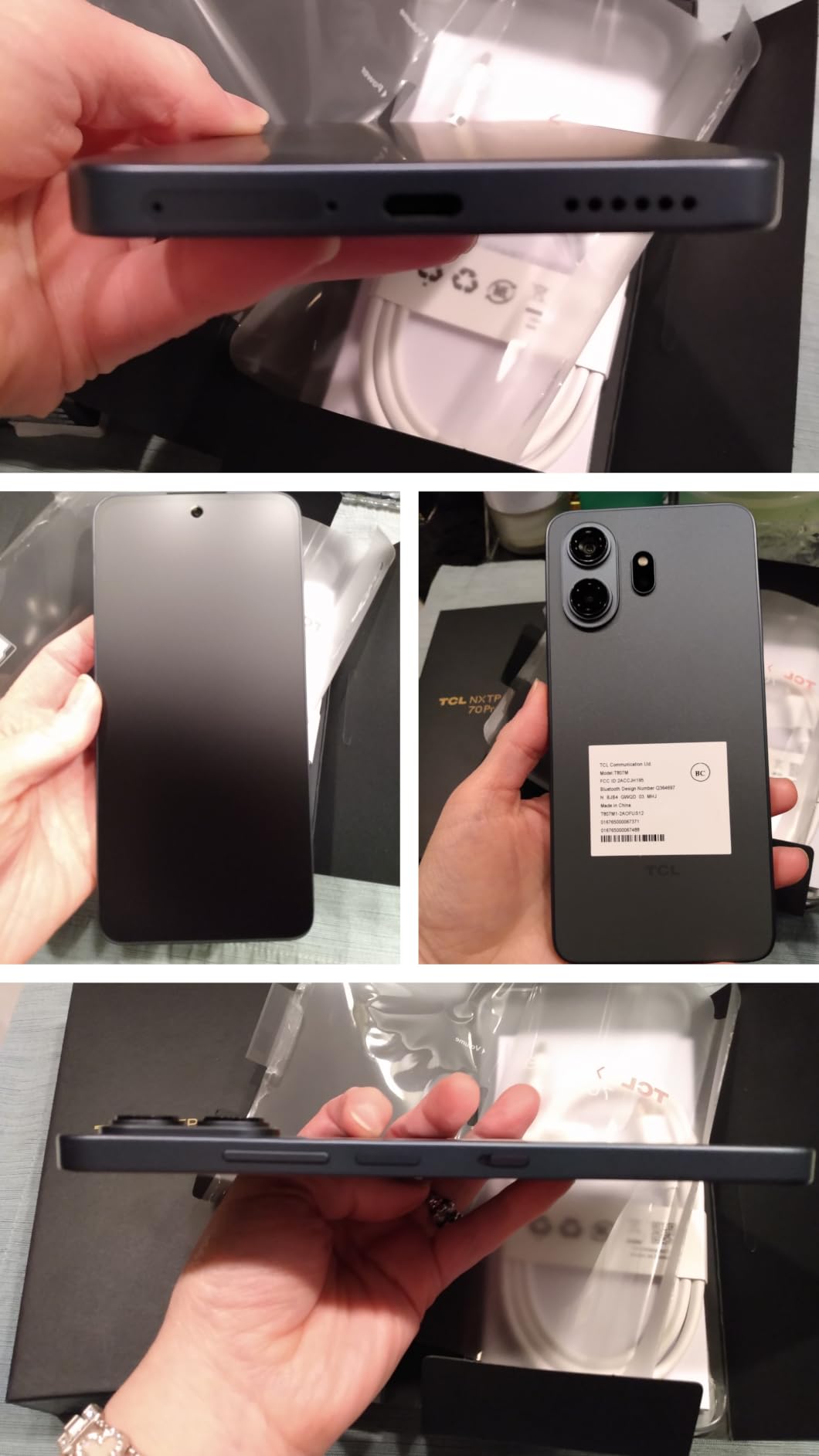
Storage is the headline number: 512GB, expandable by microSD up to 2TB, with 8GB of RAM expandable to 24GB in total. On a MediaTek Dimensity 7300 that combination stays smooth through ordinary use.
The 5000mAh battery supports 33W charging, reaching 50 percent in 38 minutes, plus reverse charging. An infrared blaster can control a television, and the 6.9-inch FHD+ display runs at 120Hz on 5G with Wi-Fi 6E.
IP68 changes how careful you have to be
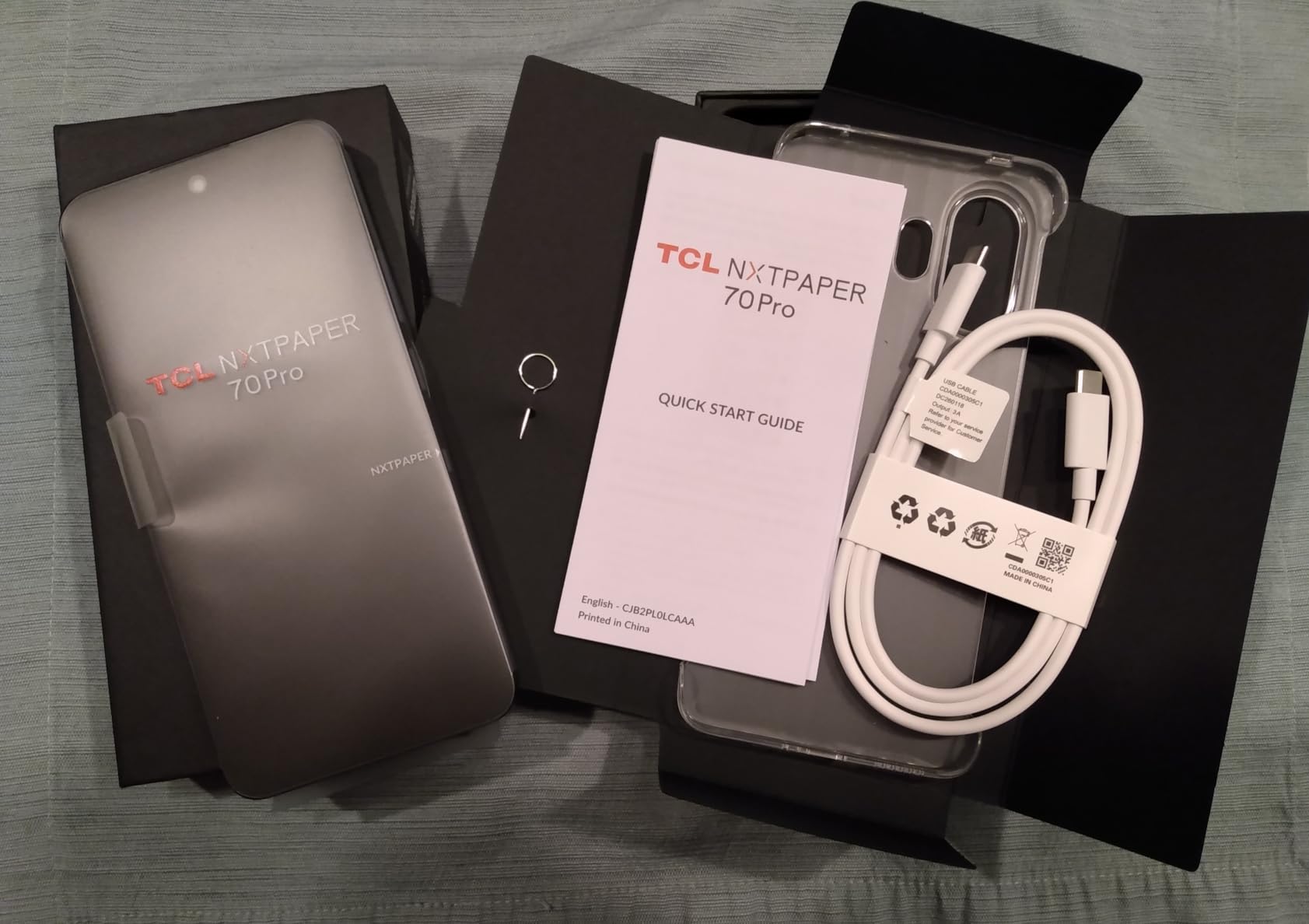
This is the only phone in the roundup with an IP68 rating, meaning it is dust-tight and rated for submersion in water. For a phone that lives in a bathroom, a kitchen or near a washing machine, that removes a category of anxiety. A case is included in the box.
That durability rating, plus 512GB of storage, makes this a strong choice as a family phone that accumulates years of photos and video without a storage conversation.
The eye-comfort trade-offs
Matte panels are always a compromise. Owners report lower outdoor brightness than competing phones, weaker battery life when the display is in full colour, and mediocre speaker sound for music. The infrared blaster and IP68 rating offset some of that.
TCL’s battery and app management is aggressive and can disable background apps, which is worth knowing if the owner depends on a specific app running quietly in the background. The 6.9-inch body is also large, and quality cases are hard to find.
12. Tracfone Samsung Galaxy A16 5G – Best Prepaid Samsung Option
Tracfone Samsung Galaxy A16 5G Phone – 128GB, 1-Yr Plan Included, Black
6.7-inch FHD+ AMOLED at 90Hz
5G on Verizon network
5000mAh, up to 47 hours
128GB storage
Pros
- Sharp 6.7-inch AMOLED with smooth 90Hz scrolling
- 5G service on Verizon's network through Tracfone
- Triple-lens 50MP camera with ultrawide and macro
- 5000mAh battery rated for up to 47 hours
Cons
- Locked to Tracfone and will not work on other carriers
- 4GB of RAM limits multitasking
- A Tracfone plan is required before it will activate
- Small review base of 145 ratings
The Tracfone Samsung Galaxy A16 5G is the prepaid route into Samsung’s budget lineup, with a year of service bundled into the purchase and 5G running on Verizon’s network.
Owners rate it 4.2 out of 5 from 145 ratings, and the feedback pattern matches the retail Galaxy A16 family: praise for the display, 5G speed and battery, with the network lock as the defining constraint.
The 6.7-inch FHD+ Super AMOLED display at 90Hz is one of the better panels in this roundup, with a 50MP triple camera covering ultrawide and macro, a fingerprint reader and water resistance.
The 5000mAh battery is rated for up to 47 hours, and 128GB of storage is generous for a prepaid handset. It runs Android 14 on 5G with dual SIM.
For a family already comfortable with prepaid service, this removes the handset cost and the first year of service from a single transaction, which is the same argument that makes the Tracfone Moto g Play the budget pick.
Read the activation condition carefully
The phone will not activate without a Tracfone plan, and it is locked to that network afterwards. It cannot be moved to another carrier, which means the total cost calculation has to include rising plan pricing after the included year runs out.
Some buyers are simply dissatisfied with Tracfone’s service quality and pricing, and a minority of reviews describe frustration with the activation process itself.
Which Tracfone phone suits which buyer?
Compare this against the Tracfone Moto g Play 2024, which carries a longer rated battery but runs 4G LTE with a 720p screen. If Verizon 5G speed and an AMOLED panel matter, this one. If battery endurance and the lowest total cost matter, the Moto g Play.
If neither is right because the network lock is disqualifying, the unlocked Moto G Play LTE gives a similar phone with no carrier commitment at all.
What Actually Matters When Buying a Phone for an Older Adult?
Specifications barely matter for this audience. A faster processor makes a phone better at nothing a senior will notice. The eight things below decide whether a phone gets used or abandoned in a drawer, and we would weigh them in this order.
1. Screen legibility beats screen quality
What matters is whether text is readable at the default settings, and whether the phone can hold that readability outdoors. That is a brightness and resolution question, not a panel technology question. The 800-nit AMOLED panels on the Galaxy A15 and A16 hold up best in sunlight; the 720p LCDs on the Tracfone Moto g Play and Blackview Wave 10C hold up worst.
Set the display size to the maximum in accessibility settings on day one. If the owner’s name and phone number fill half the screen and the menu is still one scroll away, that is correct.
2. Loud, clear speaker output
Hearing loss is more common in this age group than low vision, and it is the more commonly ignored factor. Stereo speakers with Dolby Atmos on the Moto G Stylus 5G and Moto G Play are a step above a single downward-firing speaker, and the Moto g 5G is the only phone here rated M3 and T4 for hearing aid compatibility.
The 3.5mm headphone jack, present on five of the twelve phones here, is the cheapest hearing solution available. Do not skip it.
3. Battery measured in days, not hours
An older adult should never have to think about charging the phone before lunch. That argues for a 5000mAh cell and a rated talk time above 20 hours. The Moto G Play LTE at up to 46 hours and the Tracfone Moto g Play at up to 72 hours are the two strongest in this list on rated endurance.
Battery is also the first thing buyers mention. In a recent r/Smartphones thread, an adult child asked for a phone for their parents and listed calls, a camera and good battery backup as the requirements. That is the median request, and the answer is a large battery, not a large screen.
4. A simplified interface you can set up in two minutes
Samsung’s Easy Mode, Launcher’s Senior Mode on Motorola and the list menus on the Lively Jitterbug all do the same job: replace a grid of app icons with a short vertical list and enlarge the text. Any Android phone in this roundup can be set up this way in about two minutes, and the dedicated senior phone does it for you.
Forum commenters consistently make one point about support: buy the same operating system as the family member who will provide tech help. An iPhone-owning family helps with an iPhone faster than with an Android phone, and a Samsung-owning family will be quicker with a Samsung. Match the helper, not the handset.
5. A real route to emergency help
There are three levels, and they are not equivalent. A physical urgent response button monitored by a response centre, as on the Lively Jitterbug Smart3, is the strongest. Software emergency SOS that alerts emergency services or a saved contact is standard on iPhone and Android and is entirely adequate for most people.
A health-sensor subscription is a different purchase again. Fall detection and heart monitoring services are worth considering if the user lives alone, but they are a monthly commitment and are not a substitute for a phone the user will actually carry and know how to use.
6. Carrier freedom, or the cost of not having it
Six of the twelve phones in this roundup are unlocked and work on any major US network. Three are locked to Tracfone and one to Lively, and one runs on T-Mobile only. A locked phone is not cheaper in practice if the family changes carriers or travels, because the handset stops working entirely.
Also confirm VoLTE support, which is required for reliable calls now that 3G networks have been switched off. Every phone listed here supports it. A phone without VoLTE will drop calls, and that failure looks exactly like a broken phone to a new user.
7. Durability and support window
Water resistance, a case in the box and a long warranty all reduce the chance of a second purchase. The TCL NXTPAPER 70 Pro is IP68 rated, the Blackview Wave 10C carries a three-year warranty, and the Samsung Galaxy A17 5G offers six years of security updates, which means it will not become unsupported in a way that leaves the user exposed.
Budget for the charging brick too. Four phones in this roundup do not include a wall adapter, and a phone that cannot be charged is a phone that stops being used.
8. Total monthly cost, not just the handset
The plan usually costs more over the life of the phone than the phone costs to buy. The cheapest handset in this roundup is also one of the most network-committed, and its included data allowance is small. Model the full cost across the expected replacement cycle before deciding.
For many families the cheapest correct answer is a mid-range unlocked phone plus an inexpensive prepaid plan, because it removes both the financing and the lock-in. That combination is what we would set up first.
Dedicated Senior Phone, Mainstream Phone, or Prepaid Bundle
These three categories are not comparable on paper, and picking between them is easier than the specification lists suggest.
A dedicated senior phone such as the Lively Jitterbug Smart3 is the right answer when the interface itself is the barrier. The list menu, the voice typing and the monitored urgent response button do things no amount of settings tweaking reproduces. The cost is a locked network and modest specifications.
A mainstream unlocked phone such as the Moto G Stylus 5G or the Galaxy A17 5G is the right answer when the user is capable with a little help, and the family wants no carrier commitment. Everything here can be turned into a simple phone, and the result is a better phone in every other respect.
A prepaid bundle such as the Tracfone Moto g Play 2024 is the right answer when the budget is the binding constraint and the family is already comfortable with prepaid service. The saving is real, and the lock-in is the price of it.
There is a fourth option worth naming: a medical alert pendant. If the primary concern is a fall inside the home and the user will not carry a phone, a dedicated alert device serves a different purpose and can sit alongside any phone on this list.
Setting Up a New Phone for a Parent
Most of the frustration in this category happens during the first hour, not the first year. A short, deliberate setup prevents most of it.
Turn the display size to the maximum, then turn on high contrast or a dark theme and check the screen outdoors.
Enable the simplified home screen: Easy Mode on Samsung, Senior Mode on Motorola, or a bare home screen with four app icons on any Android phone.
Add the five people who actually get called to a speed dial or favourites list, with large photo tiles rather than names.
Set emergency contacts, enable the SOS feature and have the owner practise triggering it once with you watching.
Pair any hearing aid, switch on hearing aid compatibility, and test a call in a weak-signal room.
Turn on location sharing with the family and confirm the parent can see it is on, rather than assuming.
Do the data transfer on Wi-Fi with both phones plugged in, then delete the old handset only after contacts and photos are verified.
Book a fifteen-minute video call a week later. Most problems that will ever happen surface in that call.
If a passcode is forgotten later, the standard advice is to use the account recovery flow through the manufacturer’s website from another device, rather than repeated wrong guesses. Setting up a second trusted contact on the family sharing service is what makes that recovery possible without a trip to a store.
Frequently Asked Questions
What is the easiest smart phone for seniors to use?
The Lively Jitterbug Smart3 is the easiest to use out of the box because it ships with a list-based menu, large text, voice typing and a monitored urgent response button instead of an app grid. Among unlocked Android phones, the Samsung Galaxy A17 5G and the Motorola Moto G Stylus 5G are the easiest to simplify, and both can be set to a short list menu in about two minutes.
What is the best smartphone for senior citizens?
The Motorola Moto G Stylus 5G is our best overall pick, with a 6.7-inch 120Hz pOLED display, a 5000mAh battery rated at 30 hours of talk time, a built-in stylus and a 3.5mm headphone jack, all in a mid-range price band. It is unlocked, so it works on any major US carrier, and it has no carrier bloatware to work around.
Is iPhone or Samsung better for seniors?
Samsung gives you a built-in simplified mode, a wider range of screen sizes and lower-priced models, which makes it the easier starting point. Apple offers stronger long-term software support and a strong accessibility suite, but the cheapest current iPhone still costs more. Whichever you choose, match the operating system to the family member who will provide technical help, since that support is the deciding factor in practice.
What is the best phone for texting and calling only for seniors?
The Motorola Moto G Play LTE is the best fit for calls and texting alone, with a 5000mAh battery rated at up to 46 hours of talk time, a clean near-stock Android interface, a 3.5mm headphone jack and a fingerprint reader. It is fully unlocked and works on any major US carrier. If a monitored emergency button matters more than specifications, the Lively Jitterbug Smart3 is the alternative.
What is a good simple mobile phone with large buttons for an elderly person?
The Tracfone Moto g Play 2024 pairs a large 6.5-inch display with a 5000mAh battery rated for up to 72 hours and a three-step activation with no credit check, and the year of service is included in the purchase. For a phone that arrives already simplified with large text and a physical urgent response button, the Lively Jitterbug Smart3 is the clear answer, at the cost of a carrier commitment.
Are dedicated senior phones worth it compared to a regular smartphone?
A dedicated senior phone is worth it when the interface itself is the barrier, because the list menu, voice typing and monitored response button do something a settings change cannot. A regular unlocked phone is worth it when the user can manage a short setup, since it is a better phone in every other respect and carries no carrier commitment. The deciding question is whether the user needs someone to answer a button, or only needs fewer options on a screen.
Which Senior Phone Should You Buy?
Buy the Motorola Moto G Stylus 5G for almost anyone making a first real smartphone purchase. It has the best balance of screen brightness, battery, speaker quality and price, it is unlocked, and it has no bloatware to remove.
Buy the Lively Jitterbug Smart3 when the interface itself is the obstacle, or when a monitored emergency button is worth a carrier commitment. Buy the Tracfone Moto g Play 2024 when cost is the only constraint that counts and the family is already comfortable with prepaid service. Buy the Motorola Moto G Play LTE for an unlocked phone with the best battery rating in the list at no ongoing contract.
Buy the Tracfone Moto g 5G 2024 if the user wears a hearing aid, since it is the only phone here with an M3 and T4 rating. Buy a TCL NXTPAPER model if screen glare and eye fatigue are the main complaint, and the Blackview Wave 10C if the largest possible display matters more than brand familiarity and the family is on T-Mobile.
Whichever one you choose, do the eight-step setup above in the first hour. The best smartphones for seniors in 2026 are the ones that stay in a pocket, stay charged and still ring clearly three years from now. Compare the picks above against the current listings, and read a few of the owner reviews before you commit.
Whichever phone you settle on, the same principle we apply to balance exercises for seniors holds: the boring, well-supported choice that someone will actually use beats the headline option every time.