
Are smart locks worth it? Short answer: yes, if your problem is a door that stays unlocked or a keyring you cannot keep track of. A good electronic deadbolt locks itself behind you, lets you hand out a code instead of a key, and keeps a log of who came in. The catch is that you are buying electronics now, so battery life and hub requirements matter more than the spec sheet suggests. This roundup covers the best smart locks for 2026, judged against the things buyers actually complain about: dying batteries, false lock alerts, hub gaps, and door fittings that do not work.
Our team compared ten of the highest-rated smart door locks across fingerprint, keypad, app and key entry, then checked each one against the same questions. Does it need a separate hub? Does it keep a physical key as a backup? Will it fit a standard American door? How long do the batteries actually last in the field, and what drains them fastest?
One thing surprised us while reading owner reports. The loudest complaints are almost never about the motor or the fingerprint reader, they are about power and connectivity. A lock that dies every four months teaches you to stop trusting it, and a lock that needs a hub you do not own feels broken out of the box. We weighted both heavily, which is why the top pick here supports Matter over Thread as well as built-in Wi-Fi.
Updated for 2026. Every rating and review count below is copied from the listing, and every pick includes an honest drawback rather than a marketing line.
Table of Contents
Top 3 Best Smart Locks (October 2026)

ULTRALOQ Bolt SE WiFi
- Seven unlock methods
- Matter over Thread
- Built-in Wi-Fi
- 18 month battery claim

Schlage Encode Smart WiFi
- Up to 100 access codes
- Built-in Wi-Fi no bridge
- Forced entry alarm
- Snap n Stay install

August Smart Lock Pro
- Retrofit over existing deadbolt
- DoorSense ajar alerts
- Bundled Connect hub
- HomeKit and SmartThings
Best Smart Locks in 2026: Quick Comparison
All ten locks below are full deadbolt replacements, except the August Smart Lock Pro, which retrofits over the deadbolt you already own. Five speak Wi-Fi directly with no hub at all, three need a separate gateway for remote access, one pairs with a Zigbee hub for control away from home, and one ships with its own bridge in the box.
| Product | Specs | Action |
|---|---|---|
| ULTRALOQ Bolt SE Wi-Fi Smart Lock |
|
Check Latest Price |
| Schlage Encode Smart WiFi Deadbolt |
|
Check Latest Price |
| August Smart Lock Pro with Connect Hub |
|
Check Latest Price |
 Sifely Fingerprint Smart Lock with Handle Sifely Fingerprint Smart Lock with Handle |
|
Check Latest Price |
 Yamiry YR01 Fingerprint Door Lock Yamiry YR01 Fingerprint Door Lock |
|
Check Latest Price |
 eufy Security Smart Lock C220 eufy Security Smart Lock C220 |
|
Check Latest Price |
 Aqara Smart Lock U100 Aqara Smart Lock U100 |
|
Check Latest Price |
 ULTRALOQ Bolt Fingerprint WiFi ULTRALOQ Bolt Fingerprint WiFi |
|
Check Latest Price |
 Tapo DL110 Smart Wi-Fi Door Lock Tapo DL110 Smart Wi-Fi Door Lock |
|
Check Latest Price |
 Veise VE06-H Smart Handleset Veise VE06-H Smart Handleset |
|
Check Latest Price |
1. ULTRALOQ Bolt SE Wi-Fi: Best Overall With Matter Support
ULTRALOQ Bolt SE Wi-Fi Smart Lock, Matter Over Thread, App Remote Access
Zinc alloy IP65 body, seven unlock methods, 50 fingerprints, 50 passcodes, 18 month battery claim
Pros
- Seven unlock methods in one lock
- Built-in Wi-Fi plus Matter over Thread
- BHMA certified IP65 zinc alloy for exterior doors
- Ten-minute screwdriver-only install
- Lifetime mechanical and 18 month electronic warranty
Cons
- No door sensor included
- Built-in Wi-Fi is 2.4 GHz only
- Matter over Thread needs a Thread Border Router
This is the lock we keep coming back to, and the one we would put on our own front door. It is the only product in our list that gives you a genuine choice of network: built-in Wi-Fi for everyday remote access, plus Matter over Thread for anyone building a modern smart home. You are not locked into one ecosystem later.
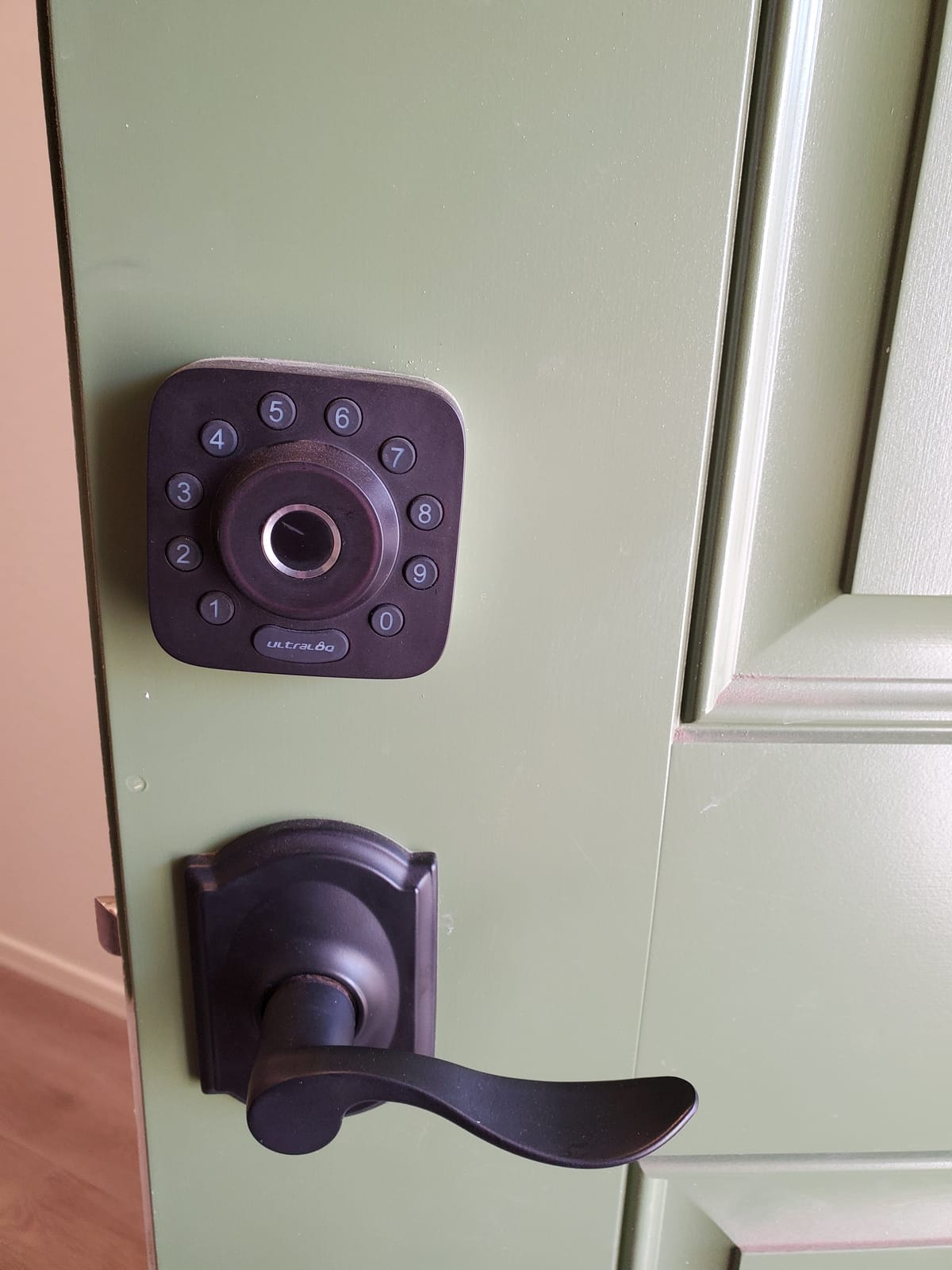
Entry methods are where it stands out. Owners get seven ways in: fingerprint, passcode, the app, the web portal, an eKey share, voice control, and two physical keys in the box. The fingerprint reader stores up to 50 prints and the keypad stores up to 50 passcodes, which is enough for a busy household plus a cleaner, a dog walker and a contractor.
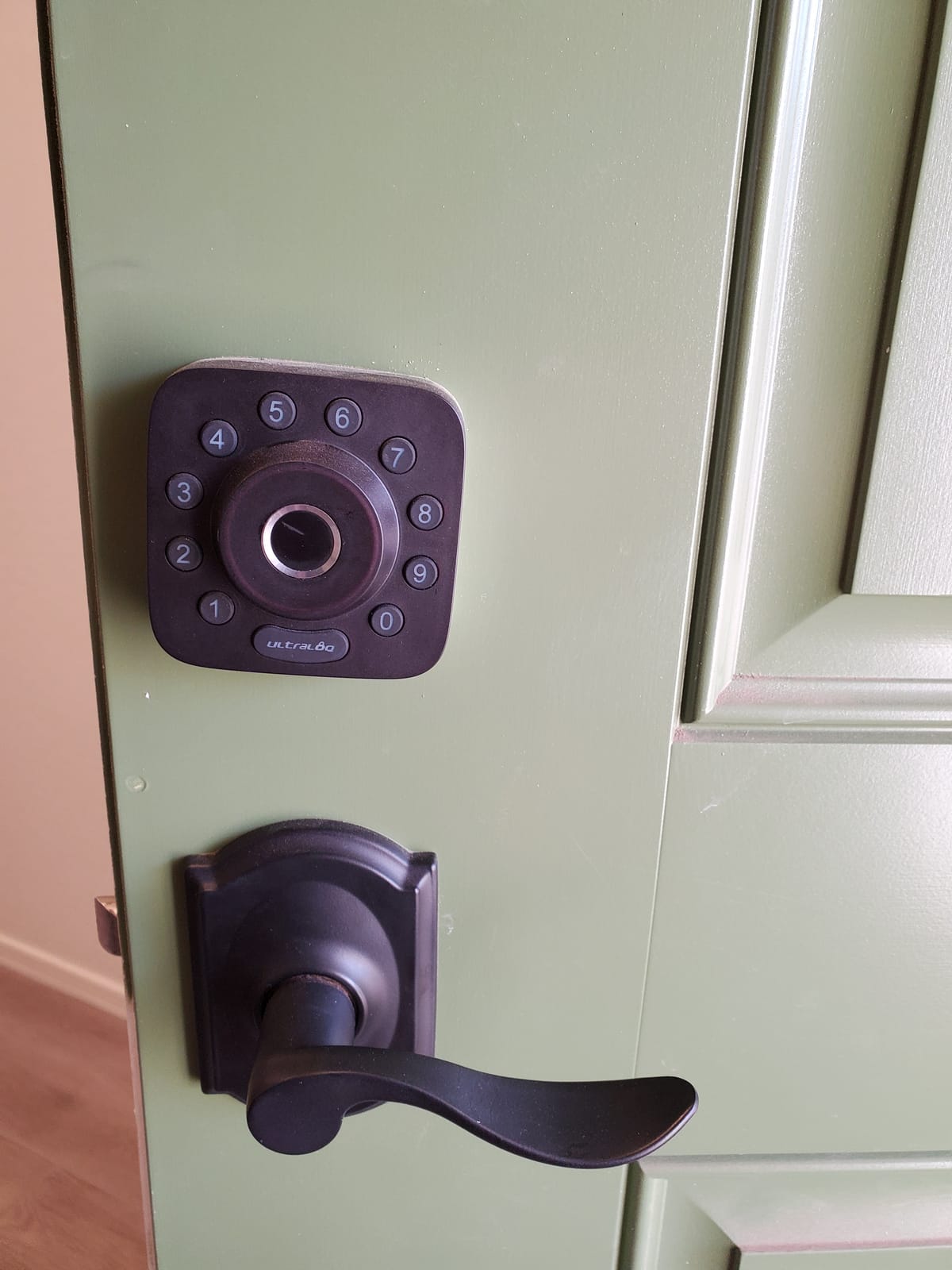
Physical build is reassuring for an exposed front door. The body is zinc alloy with an ANSI BHMA certification and an IP65 weather rating, and the warranty runs for the life of the mechanism with 18 months on the electronics. Installation is a ten-minute screwdriver job.
Battery life is claimed at up to 18 months, a higher figure than any other lock here claims, and real-world reports land lower than that but well inside a year for most households. The auto-lock timer and real-time low battery alerts are both included, so you are not guessing.
What You Should Know Before Buying?
There is no door sensor in the box. You get lock state, not door state, so you cannot reliably tell the difference between closed and ajar from the app. If a door-left-open alert matters to you, the Bolt Fingerprint WiFi in position eight includes one.
The built-in Wi-Fi radio is 2.4 GHz only and expects your router within roughly 70 feet of the door. A metal front door in a large house can push that, which is exactly the weak signal case that quietly eats batteries.
Who It Suits and Who Should Skip It?
Buy it if you want one lock that covers fingerprint, code, app and key, you want Matter over Thread as an option later, and you do not need a door sensor. The breadth of entry methods means almost nobody in the house needs training.
Skip it if you already run a Z-Wave system and prefer one protocol, or if you need the door ajar sensor on a door that gets hit by wind. Reviewers also report the fingerprint reader wearing out over time, so if fingerprints are your only planned method, keep a second entry plan.
2. Schlage Encode Smart WiFi Deadbolt: Most Codes, Most Proven
Schlage Encode Smart WiFi Deadbolt Lock with Century Trim, Matte Black
Zinc body, keypad touchscreen, built-in Wi-Fi, up to 100 access codes, four AA batteries
Pros
- Built-in Wi-Fi needs no separate bridge
- Up to 100 access codes with history and multi-lock management
- Long mechanical and finish warranty
- No-hands Snap n Stay install
- Forced entry alarm and door position sensing
Cons
- Near the top of the price range
- No fingerprint reader
- Touchscreen accepts codes only
- About six months of battery life
With more than 13,000 reviews on the listing, this is the most battle-tested lock in the group. That matters in a category where the loudest forum complaints are about early failures. Long-term owners in r/HomeKit report years of trouble-free Schlage installs across two different homes, and that kind of multi-year track record is rarer than it should be.
The code capacity is the standout feature. Up to 100 access codes, each with its own schedule and history, plus multi-lock management in the Schlage Home app. For a house with several adults, a cleaner, a sitter, a landlord and a contractor, this is the roomiest keypad in the roundup.
Security hardware is taken seriously. The connection is encrypted, there is a built-in door position sensor with a customisable forced entry alarm, and the fingerprint-resistant touchscreen is a deliberate choice. The unit is BHMA certified at the highest residential security, durability and finish rating the body claims.
Fit is well documented, which saves you a return. It suits doors 1-3/8 to 1-3/4 inches thick with a 2-3/8 or 2-3/4 inch backset, and the Snap n Stay mount keeps the lock on the door while you work the screws. One physical backup key ships in the box.
Battery life is the weak point. Four AA cells give about six months, one of the shorter intervals among the models here, and owner complaints about frequent battery swaps on any Wi-Fi lock are the single most common theme in smart lock discussions.
What You Should Know Before Buying?
You are paying near the top of this roundup, and getting no fingerprint reader for it. The touchscreen is a code-only entry surface, so if you want fingerprint you need a different model and a different budget.
It also runs on four AA batteries, and the auto-lock delay is a setting you may need to raise. Owners also report the motor is louder than many older keypads, so measure the gap to your bedroom before ordering.
Who It Suits and Who Should Skip It?
Buy it for a household that needs dozens of simultaneous users, or a landlord running a small portfolio from one app. If you want a brand with a long mechanical and finish warranty behind the hardware, this is the safest bet in the list.
Skip it if fingerprint entry is the reason you are buying a smart lock, or if battery replacement every six months would annoy you. It is also the wrong pick if you live in an Apple-only home, since native Apple Home Key support is not part of this package.
3. August Smart Lock Pro with Connect Hub: Best Retrofit Option
August Home Smart Lock Pro + Connect Hub – Wi-Fi Smart Lock for Keyless Entry – Works with Alexa, Google Assistant, and more – Silver
Retrofit body over existing deadbolt, Z-Wave plus Wi-Fi, DoorSense sensor, bundled Connect bridge
Pros
- Retrofit install keeps existing deadbolt and key cylinder
- DoorSense sensor gives reliable ajar alerts
- Connect Wi-Fi bridge included in the box
- Works with HomeKit
- SmartThings
- Alexa and Google Home
Cons
- The priciest option in the roundup and the lowest sales rank
- Needs the separate Connect hub powered and placed
- Four AA batteries with a shorter service interval
The August Smart Lock Pro is the only retrofit in this roundup. It mounts over the deadbolt you already have, so the exterior cylinder, the key and the look of your door stay exactly as they are. That solves the rental problem that stops most people buying a smart lock, because the hardware your landlord sees does not change.
The package is unusually complete. You get the lock, the August Connect Wi-Fi bridge, the DoorSense sensor, four AA batteries and all mounting hardware, which means remote unlock works the day it is installed with nothing else to buy. Z-Wave is bridged to Wi-Fi by the included hub, and the same lock works in Apple HomeKit, SmartThings, Vera, Alexa and Google Assistant.
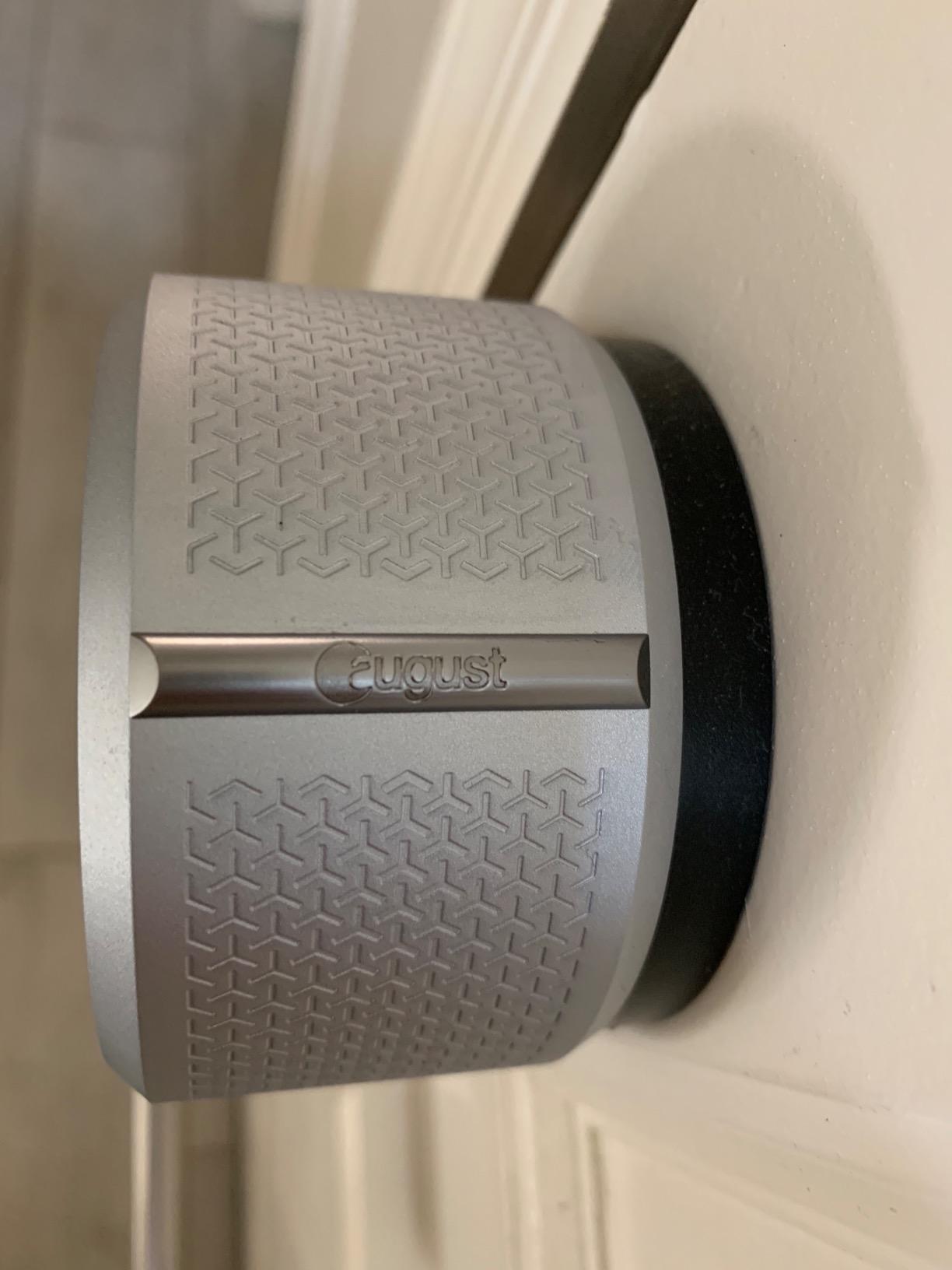
DoorSense is the feature that justifies the bundle. It detects open or ajar, so you get a real alert when the door is propped rather than a generic unlocked notification. Combined with Auto-Lock and Auto-Unlock, it is the most complete door-state reporting in the roundup.
Owner reviews describe the retrofit itself as quiet and quick, and the Auto-Unlock behaviour as the most natural of any lock here. The body is metal, the unit weighs under a pound, and the whole thing is 3.4 by 2.22 by 3.4 inches.
What You Should Know Before Buying?
This is the most expensive option in the roundup and it has the lowest sales rank, which usually means an older generation of hardware still being sold.
There is also a second device to think about. The Connect hub needs its own outlet and a sensible position near the door, and a meaningful share of August complaints in r/AugustSmartLock and r/homesecurity thread about battery life and repeated low battery notifications rather than about the lock mechanism itself.
Who It Suits and Who Should Skip It?
Buy it if you cannot or will not change exterior hardware, if you already want a Z-Wave layer bridged to Wi-Fi, or if door state matters more than fingerprint entry. Multi-platform support means it fits almost any smart home setup.
Skip it if you want a single all-in-one device with a fingerprint reader and no accessories. Buyers who wanted one box and nothing else tend to move to newer fingerprint models, and the hub is a second thing to mount, power and eventually replace.
4. Sifely Fingerprint Smart Lock: Most Versatile With Six Ways In
Fingerprint Smart Door Lock with Handle & Keypad – No More Lost Keys, Keyless Entry & Remote Access for Home, Kids, Airbnb & Rental Property, DIY Install, Alexa & Google Compatible
Zinc body, fingerprint, PIN, key card, fob and key entry, reversible handle, optional Wi-Fi gateway
Pros
- Low cost with six separate entry methods
- Reversible handle and no-drill fit on most standard doors
- Instant guest code generation for rentals
- Two keys and two key cards included
Cons
- Touch keypad is slow to wake and sometimes unresponsive
- Remote access and voice need the Sifely Gateway
- Weather sealing weak on fully exposed doors
- Some fingerprint enrollments do not persist
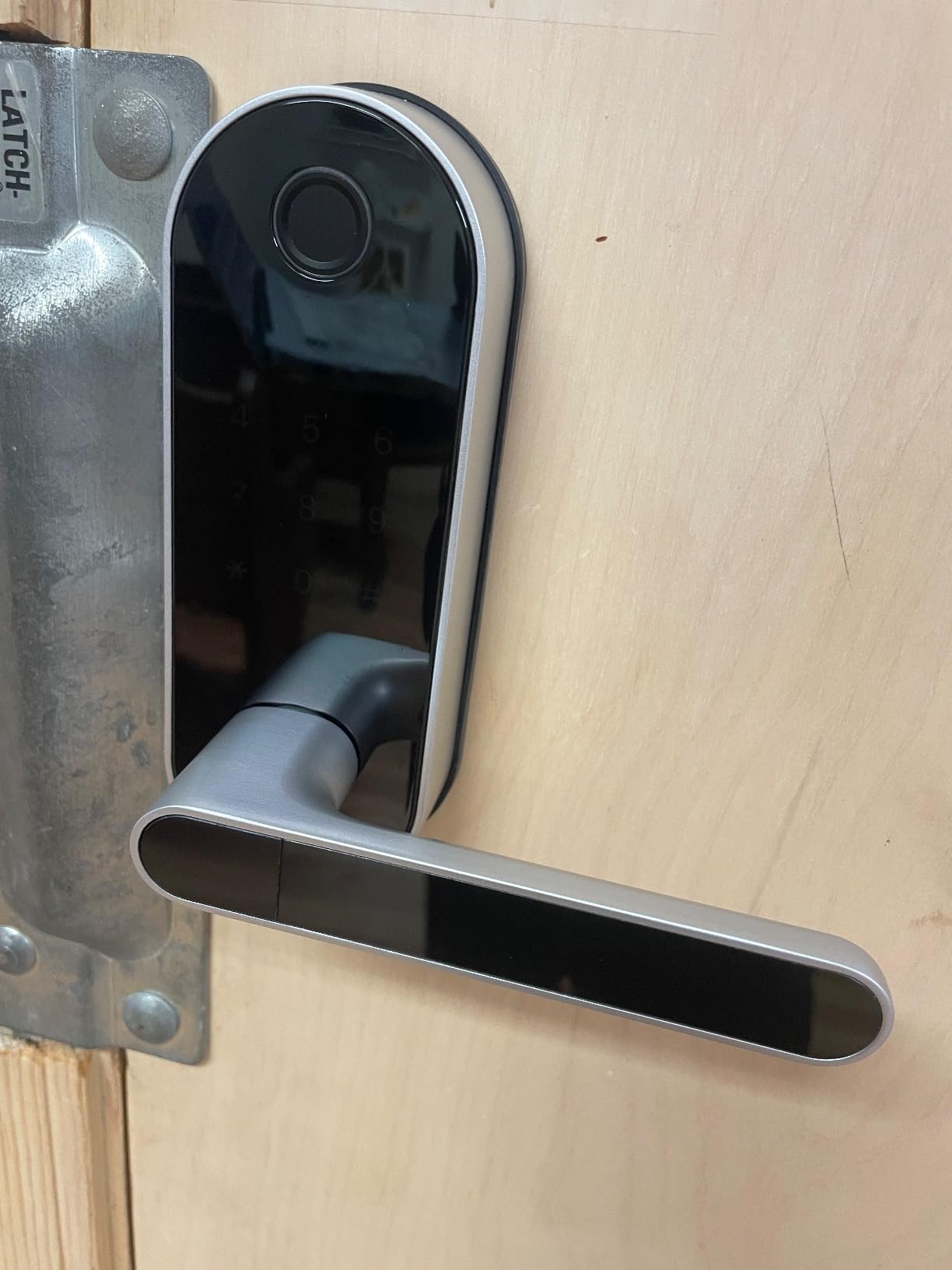
The Sifely is the least expensive way into fingerprint entry with this many options, and it still gives you six ways in: fingerprint, PIN, the app, a key card, a fob and a mechanical key. The box includes two keys and two key cards, so you can hand a card to a cleaner without creating a code.
Fit is easy. The handle is reversible, so it works on either hand of door without tools, and the no-drill design fits most standard American doors in minutes. The anti-peeping password function randomises the digit positions on screen, and the keypad is back-lit for night entry.
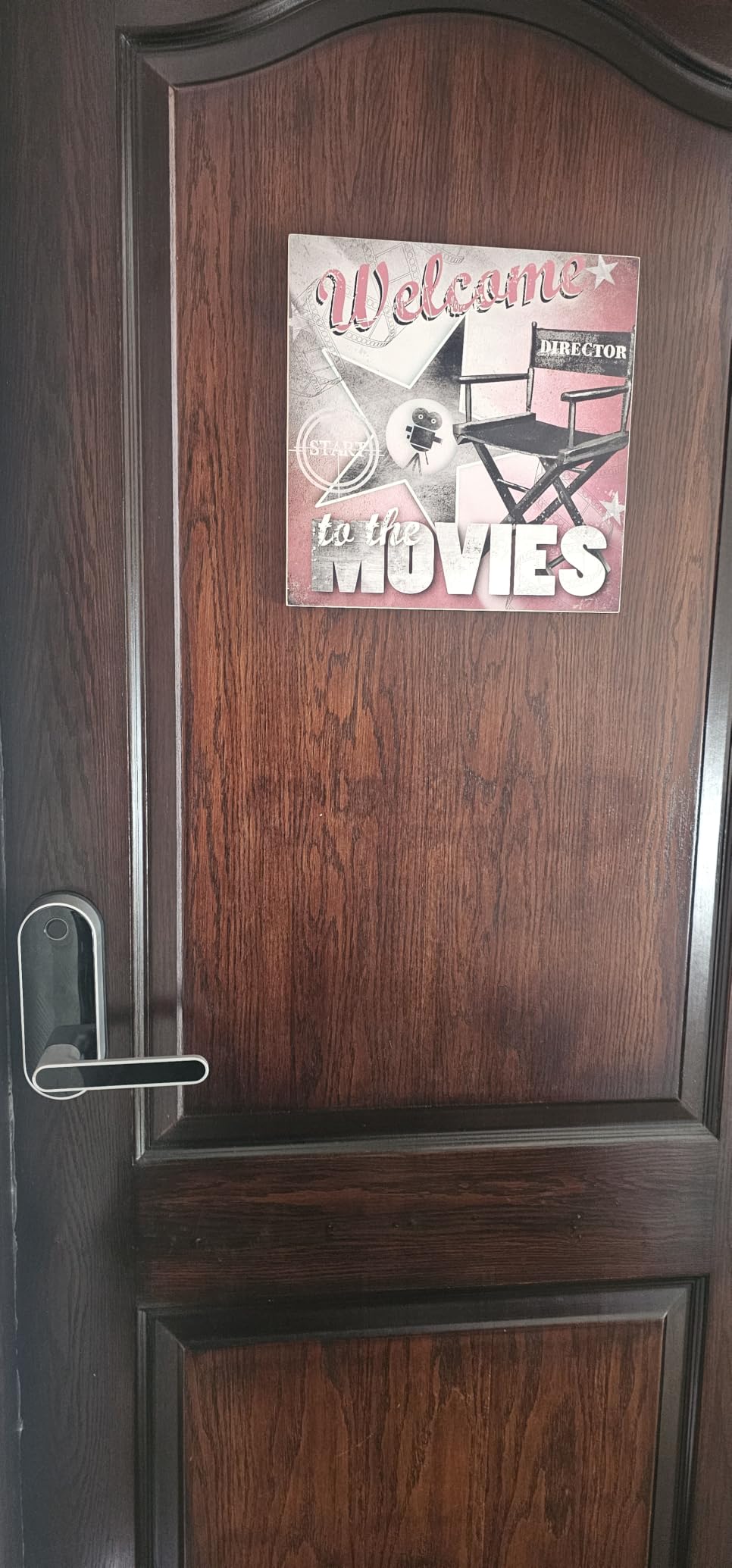
For short-term rentals the instant guest code generation is the feature to notice. You generate a code, hand it to the guest, and it stops working when you delete it. One reviewer reports a second lock fitting four-year-old hardware exactly, which is a good sign on build consistency.
Bluetooth range unlock is the default. Remote access and voice control need the separately sold Sifely WiFi Gateway, so budget for that if you want to let somebody in while you are not home.
What You Should Know Before Buying?
The keypad is a real consideration. Touch keypads wake slowly and can need repeated taps, which is exactly why owners in r/smarthome recommend physical-button keypads for durability. If you enter codes in the rain at night, factor that in.
Weather sealing is not sufficient for a fully exposed door, and reviewers add sealant or a cover. The warranty is one year, and some users report fingerprint enrolment that does not survive a restart.
Who It Suits and Who Should Skip It?
Buy it for a covered porch, a rental where you want codes for every guest, or a first smart lock purchase where budget is the deciding factor. Six entry methods at this cost is difficult to argue with.
Skip it for an uncovered exterior door in a wet climate, or if you need remote access out of the box without buying a gateway. It is a good door lock, but the enclosure is not built for standing weather.
5. Yamiry YR01 Fingerprint Lock: Best for Landlords and Small Portfolios
Smart Door Handle Lock with Keypad, Yamiry Fingerprint Knob for Front Door
Stainless steel and zinc, six unlock methods, app codes with unlock records, ten-minute no-drill install
Pros
- One of the cheapest fingerprint locks with six unlock methods
- Ten-minute no-drill install on standard American wooden front doors
- App supports permanent and temporary codes plus unlock history
- Built for managing several properties from one app
Cons
- Remote and voice features need the separate Wi-Fi gateway
- No manufacturer warranty terms published
- No extra key cards for multi-user setups
The Yamiry is built around a specific job: running more than one door. The app creates permanent and temporary access codes and keeps unlock records per property, and the design intent is a landlord supervising several units without a locksmith visit for every turnover.
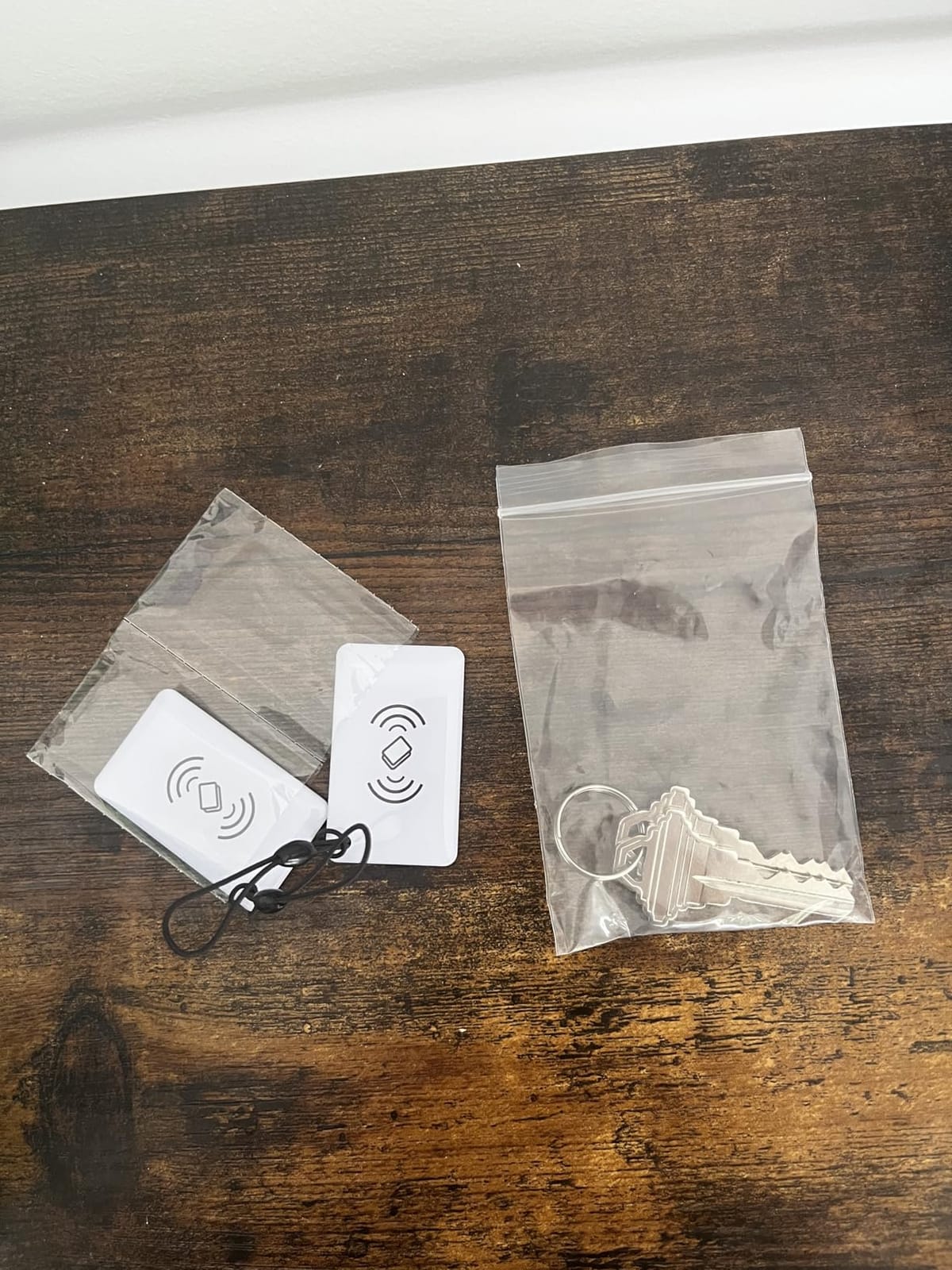
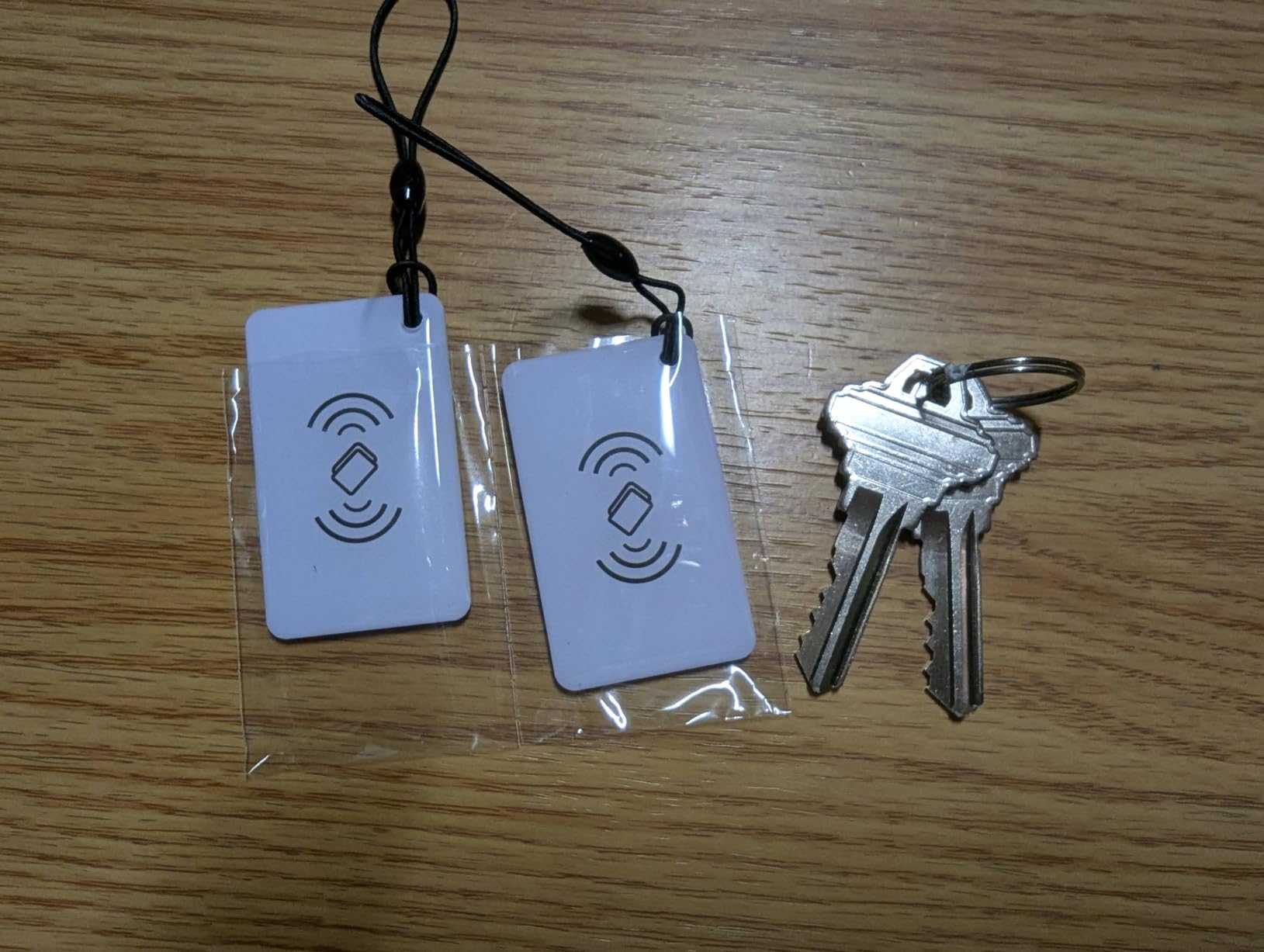
Entry methods number six: fingerprint, Bluetooth app, passcode, key fob, mechanical key and Alexa voice. The box includes two fobs and two mechanical keys plus an adjustable latch, so a renter can be given a fob instead of a code that gets shared around.
Installation is a ten-minute no-drill job on standard American wooden front doors, and the handle is reversible for either hand of door. That combination is why it converts a rental unit fast. Buyers single out value, quick install and smooth code management as the recurring positives.
The trade-off is that real remote access is not built in. Voice and remote control need the separately sold Wi-Fi gateway, so treat this as a Bluetooth-first lock with an optional path to the internet.
What You Should Know Before Buying?
No manufacturer warranty terms are published on the listing, which is unusual for a lock on an exterior door. Check the current warranty position with the brand before committing to a multi-unit deployment.
You get fobs and keys in the box, but no extra key cards, so for a wide multi-user setup you are relying on codes and fobs. The deadbolt category sales rank is strong for its price tier, which is a reasonable signal that it moves well.
Who It Suits and Who Should Skip It?
Buy it if you are a landlord, an Airbnb host with more than one property, or a landlord-type neighbour looking after several doors. Code management and unlock history from a single app is the reason to choose it.
Skip it if you need voice control or remote unlock on day one without buying another device, and skip it if warranty length decides your purchase. It is a value pick for management, not a premium hardware pick.
6. eufy Security Smart Lock C220: Best Value With Built-in Wi-Fi
eufy Security Smart Lock C220, Fingerprint Keyless Entry Door Lock
Aluminum body, fingerprint with self-learning AI, built-in Wi-Fi, 8 AA batteries, BHMA Grade 3
Pros
- Built-in Wi-Fi gives app remote control without a bridge
- Sub-second fingerprint unlock with self-learning AI
- BHMA Grade 3 certification is unusual at this price
- Fifteen-minute no-drill install on most standard deadbolts
- Works with the wider eufy doorbell ecosystem
Cons
- Eight AA batteries are a lot of cells to manage
- Stated eight months of battery life is short for the category
- Bluetooth-only control methods not supported
The eufy C220 gives you built-in Wi-Fi and fingerprint entry at a mid-range price, and the fingerprint reader is genuinely fast. Owners consistently praise quick, accurate reads, a responsive app, and the fact that no separate bridge has to be installed and powered.
Six unlock methods are supported: fingerprint, the eufy Security app, keypad, physical key, Apple Watch, and Alexa or Google voice. If you already own eufy doorbells, the lock joins the same ecosystem and routines rather than sitting in a separate app.
Two certifications stand out for the money. It is BHMA Grade 3 certified after more than 100,000 lock cycles, and IP53 waterproof with an operating range from minus 22 to 158 degrees Fahrenheit. On fit, it accepts most standard deadbolts and handles bores under 54mm by removing the spacer.
The fingerprint reader uses self-learning AI, which means it gets better as it learns your prints and rejects the wrong ones. That is a real advantage over fixed-pattern sensors, and it is the feature owners mention first.
What You Should Know Before Buying?
Eight AA batteries is a lot of cells to change, and the stated eight months of operation is shorter than the one-year claims some rivals make. A pack of eight cells every eight months is the ongoing cost of owning this lock.
Bluetooth-only control methods are not supported despite the Wi-Fi radio. That is a small inconsistency worth knowing if you were expecting phone-only proximity unlock.
Who It Suits and Who Should Skip It?
Buy it if you want fingerprint entry plus remote access with no hub, no bridge, and no extra power brick, and especially if you already use eufy devices. Installation is about fifteen minutes on most standard deadbolts.
Skip it if you want a fingerprint reader with Apple Home Key support, since native Apple Home Key is not part of this package, or if frequent battery changes would bother you. Pair it with a set of rechargeable cells if you hate the swap.
7. Aqara Smart Lock U100: Best for Apple Home Key
Aqara Smart Lock U100, Apple Home Key, Fingerprint Deadbolt, Gray
Zinc body, IP65, Apple Home Key, fingerprint for 50 prints, 4 AA batteries plus USB-C emergency port
Pros
- The roundup's dedicated Apple Home Key lock
- with tap unlock that works when the lock has no power
- Fingerprint reader is fast and accurate
- Stable HomeKit connection reported by long-term owners
- Physical key and keypad backup
- Local AES-encrypted fingerprint storage
Cons
- Away-from-home control needs an Aqara Zigbee 3.0 hub
- Cylinder cannot be rekeyed to match other doors
- Natively buggy app
- Lowest average rating in the group at 4.1
The U100 is the one to buy if you tap your iPhone or Apple Watch to get in. Apple Home Key works even when the lock is out of power, which means the credential is verified by the phone rather than by the lock. For an Apple household, that is a different category of convenience.
Long-term Apple owners rate the HomeKit connection as stable with no reported dropouts, and community roundups on r/smarthome and community.smartthings.com frequently place the U100 first for Home Key combined with broad platform support. The fingerprint reader handles up to 50 prints, and enrolment is fastest if you do it with the door closed.
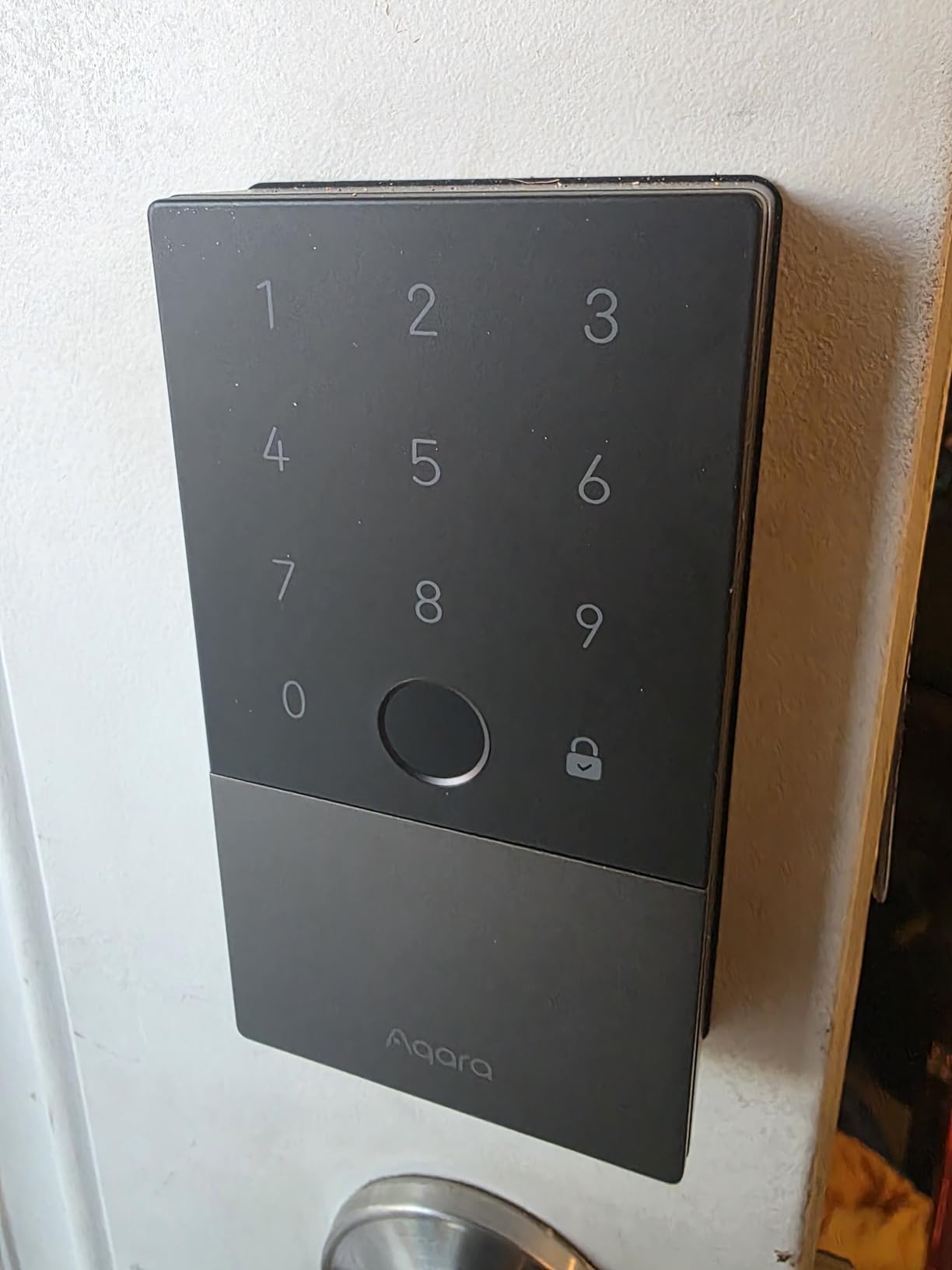
There is a Do Not Disturb mode and a gyroscope-based auto lock, plus one-time local visitor codes that work without the hub. The USB-C emergency charging port is a genuinely useful backup, and the operating range runs from minus 31 to 151 degrees with an IP65 rating.
Privacy is handled better than most of the category. Fingerprint data is stored locally with AES encryption, and the body is a zinc alloy rated to a BHMA Level 3 equivalent safety standard.
What You Should Know Before Buying?
Remotely configurable passcodes and activity logs require an Aqara Zigbee 3.0 hub sold separately. Without it you still have fingerprint, keypad, key and local one-time codes, but the app behaves like a local remote rather than a true away-from-home controller.
The lock cylinder is not Kwikset compatible, so you cannot rekey it to match your other doors, and several users describe the native Aqara app as buggy. There are also isolated reports of defective units with locking loops, random beeping and premature low battery alerts.
Who It Suits and Who Should Skip It?
Buy it if every person in the house carries an iPhone or an Apple Watch, and you want tap-to-unlock that survives a flat battery. Add the Zigbee hub if you also want Google Home, Alexa and IFTTT automations.
Skip it if you are a multi-brand household, if you need the cylinder to match the rest of your doors, or if a buggy app would wear you down. The rating here is the lowest in the group, and the hub requirement is real.
8. ULTRALOQ Bolt Fingerprint WiFi: Best Pick When You Need the Door Sensor
ULTRALOQ Bolt Fingerprint WiFi Smart Lock with Door Sensor, Remote Access
Zinc and nickel body, Apple Home certified, included door sensor, geofence auto unlock, BHMA Grade 2
Pros
- Apple Home certified with iPhone and Apple Watch unlock
- Door sensor is included unlike the cheaper Bolt SE
- Seven unlock methods with geofence auto unlock
- ANSI BHMA Grade 2 with IP65 body
- Up to 50 fingerprints and 50 passcodes
Cons
- Built-in Wi-Fi is 2.4 GHz only with a 70 foot router recommendation
- Heavier eight cell battery count than most rivals
- Extensive feature set lengthens initial app setup
Apple Home certification and the included door sensor make this the one to buy if you hesitated over the Bolt SE for either reason.
Access methods number seven, including fingerprint, passcode, app, geofence auto unlock, voice, the web portal and two backup keys. There is also a lockout mode for when you are away for a while, so a neighbour watering plants cannot open the door while you travel.
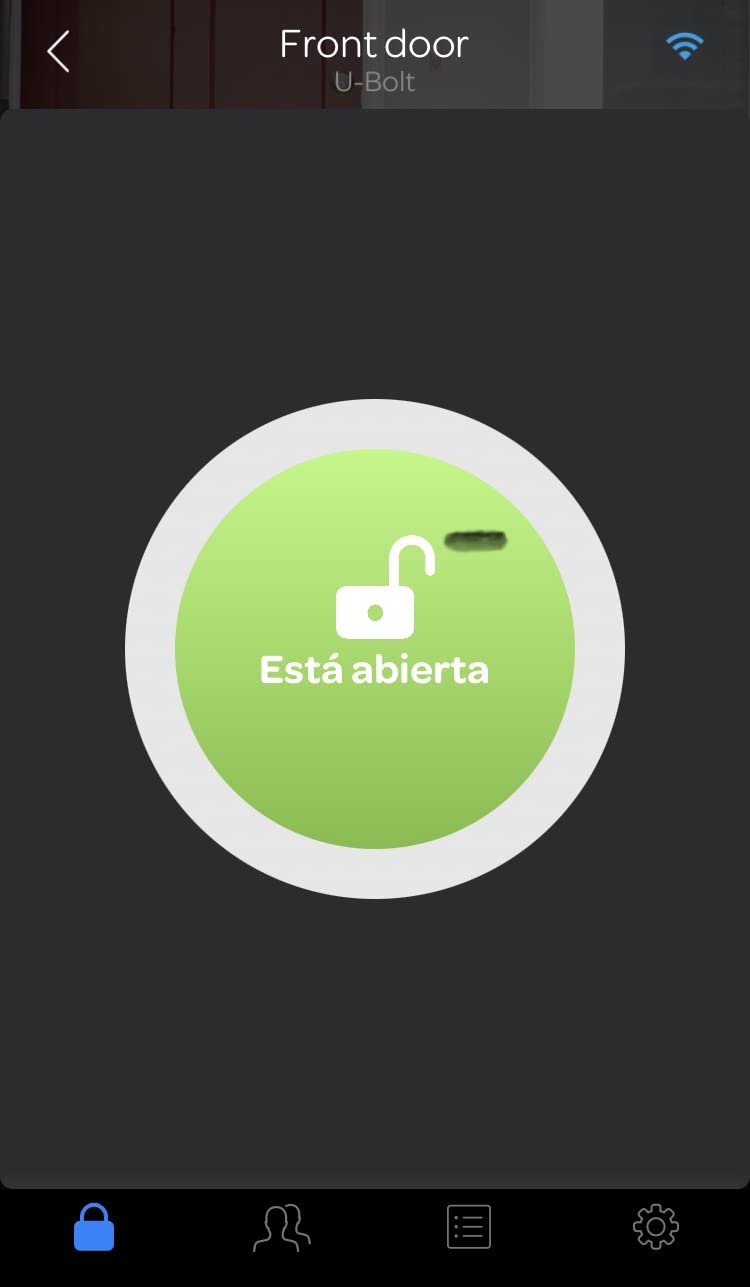
Remote lock and unlock, door status, activity history and real-time alerts all work over built-in Wi-Fi with no bridge, which is unusual for a lock with this feature set. It also works with Alexa, Apple Home, Google Home, SmartThings, IFTTT and Xthings-Home.
The security spec is a step up. It is ANSI/BHMA Grade 2 certified with an IP65 zinc alloy body, and the fingerprint and passcode stores hold up to 50 entries each, enough for a large household plus regular guests.
What You Should Know Before Buying?
Same Wi-Fi constraint as the Bolt SE: 2.4 GHz only, with a recommended router distance of about 70 feet. Behind a thick metal door in a large property, expect weak signal and shorter battery life.
Eight AA batteries is heavier than most rivals manage, and the extensive feature set makes the first app setup longer. Budget a calm half hour with the manual before handing it to the household.
Who It Suits and Who Should Skip It?
Buy it if you want a door sensor, Apple Home certification, and geofence auto unlock in one unit without buying a bridge. Owners rate it highly for exactly that combination rather than for any single headline feature.
Skip it if you want the cheapest fingerprint option, since you can save a lot by going without the sensor, and skip it if eight batteries is a dealbreaker. It is a step up, not the entry point.
9. Tapo DL110: Best Rechargeable Design and Highest Rated
Tapo Smart Wi-Fi Door Lock, Deadbolt, Fingerprint Recognition, DL110
Rechargeable battery pack, 0.42 second fingerprint, USB-C emergency port, built-in doorbell, BHMA Grade 2
Pros
- Removable rechargeable pack
- the only rechargeable design among these ten
- Quiet deadbolt operation and 0.42 second fingerprint reads
- USB-C exterior port for emergency power
- BHMA Grade 2 with a Schlage SC1 compatible keyway
Cons
- Keypad digits invisible until the screen wakes
- Sensitive doorbell button triggers false notifications
- No local API or Matter support
- Proprietary battery pack with an inaccurate charge gauge
The Tapo DL110 is the only lock in this roundup you recharge rather than replace, and that changes the ownership experience more than any spec on the list. The removable pack gives up to one year of operation, and when it runs low you pull it out and plug it in instead of finding eight batteries.
It also carries the highest average rating in the roundup, at 4.5 with 80 percent five-star reviews, though on a smaller review base than the others.
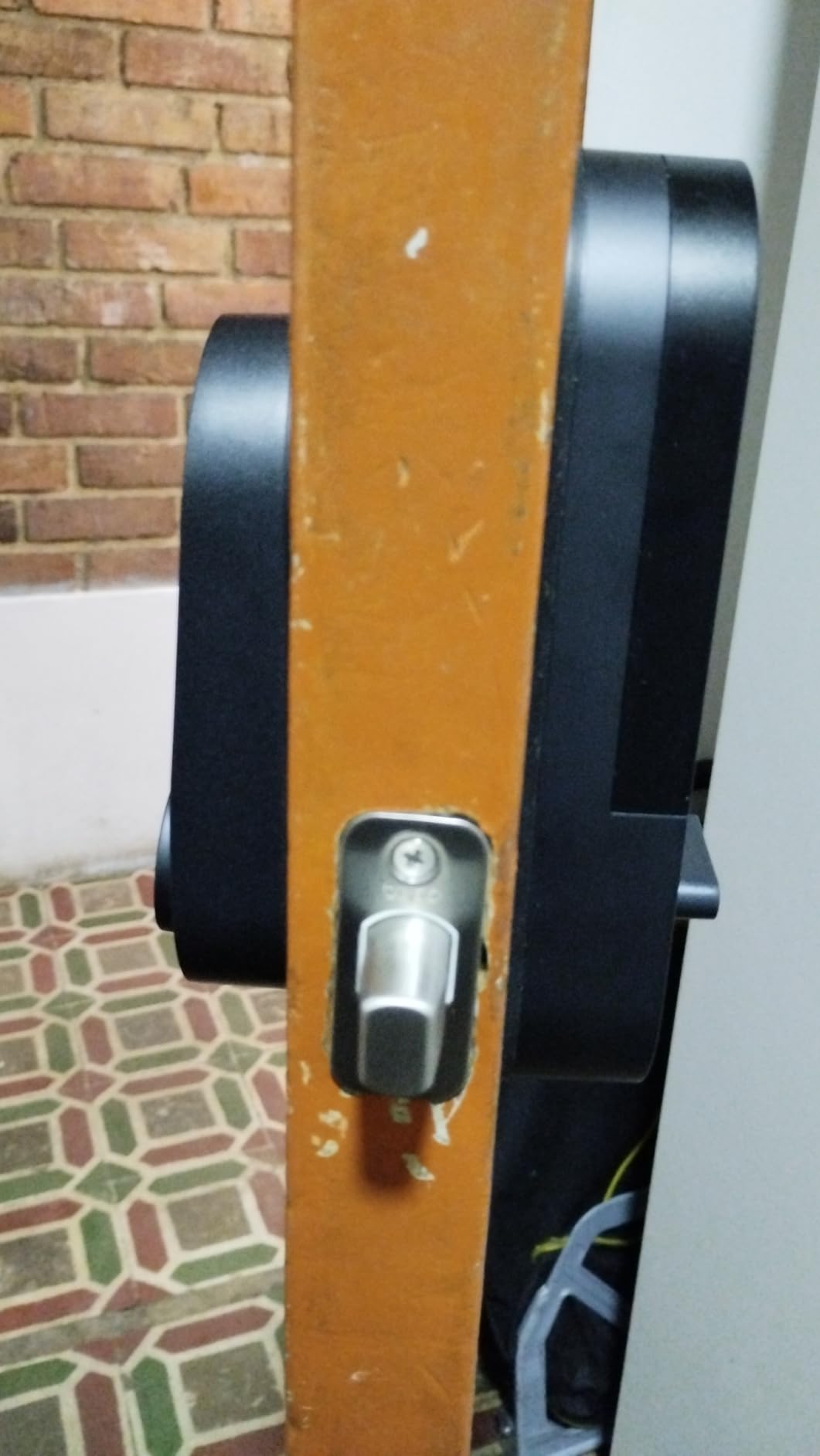
There is a USB-C charging port on the outside of the lock for dead-battery backup, so you can power it from the exterior before it wakes. Six access methods are supported, including resident profiles plus one-time and scheduled guest codes, which is what you want for a short-term rental.
The built-in doorbell button under the keyhole cap means you can ring a chime from inside the house, and one Tapo app covers other Tapo and TP-Link devices. The deadbolt is ANSI/BHMA Grade 2 certified with a Schlage SC1 compatible keyway, so you can use existing Schlage blanks and keep your other doors on the same key.
What You Should Know Before Buying?
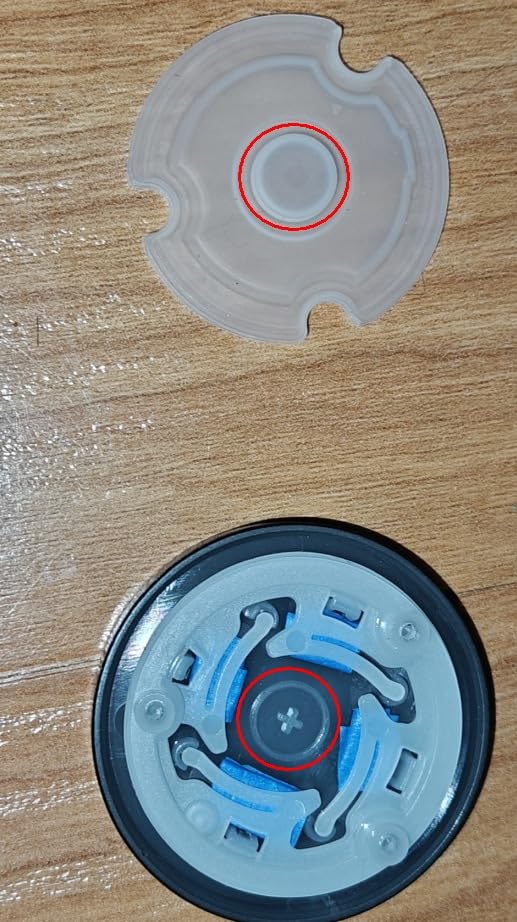
The keypad digits are invisible until you wake the screen, which slows code entry until you learn the rhythm. The doorbell button is also sensitive, and accidental presses generate false notifications that get irritating fast.
There is no local API and no Matter support, so automation depends on the Tapo cloud. The battery pack is proprietary and the charge gauge is not very accurate, which means plan on charging before it says it is empty.
Who It Suits and Who Should Skip It?
Buy it if you are tired of battery replacements, if you want a quiet deadbolt, or if you already run Tapo and TP-Link devices. The rechargeable pack alone removes the most common complaint in the category.
Skip it if you need local control without a cloud connection, if you want Matter or a local API for your automation, or if your doors are European. The dimensions are US standard, which makes it unsuitable for European doors.
10. Veise VE06-H: Best Handleset With the Biggest Code Database
Veise VE06-H Smart Front Door Lock Handle Set, App Control, Matte Black
Aluminum and metal handleset, 250+ user codes, app eKey, IP55, fits doors 1-3/8 to 2 inches thick
Pros
- A handle and keypad in one unit
- no separate deadbolt needed
- 250+ user codes with one-time
- scheduled and recurring options
- Five access paths including fobs
- keys and thumb turn
- US phone and email support that resolves issues quickly
Cons
- Alexa
- Google Home and remote notifications need the Veise G2 gateway
- Requires three pre-drilled holes at a specific spacing
- No fingerprint reader
- Some finish quality inconsistency reported
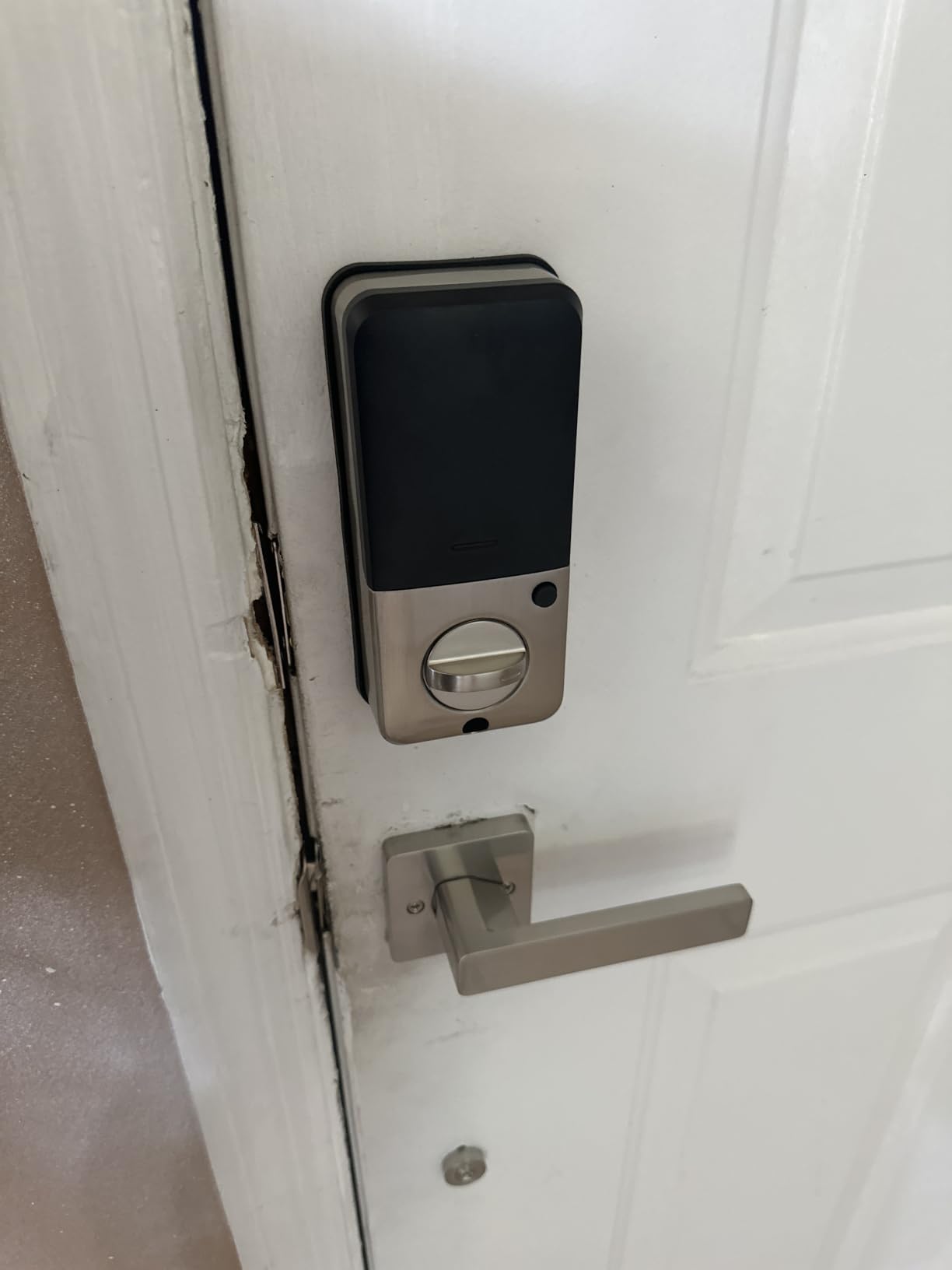
It is the only lever handleset in the roundup, and that is its main argument. If your front door has a lever rather than a deadbolt, most of the locks here will not fit at all, so a smart handle set solves a problem the others cannot.
The code database here runs past 250 users, with one-time, permanent, scheduled and recurring options. That is a meaningful difference for a property manager who rotates access for a dozen cleaners, tenants and contractors over a year.
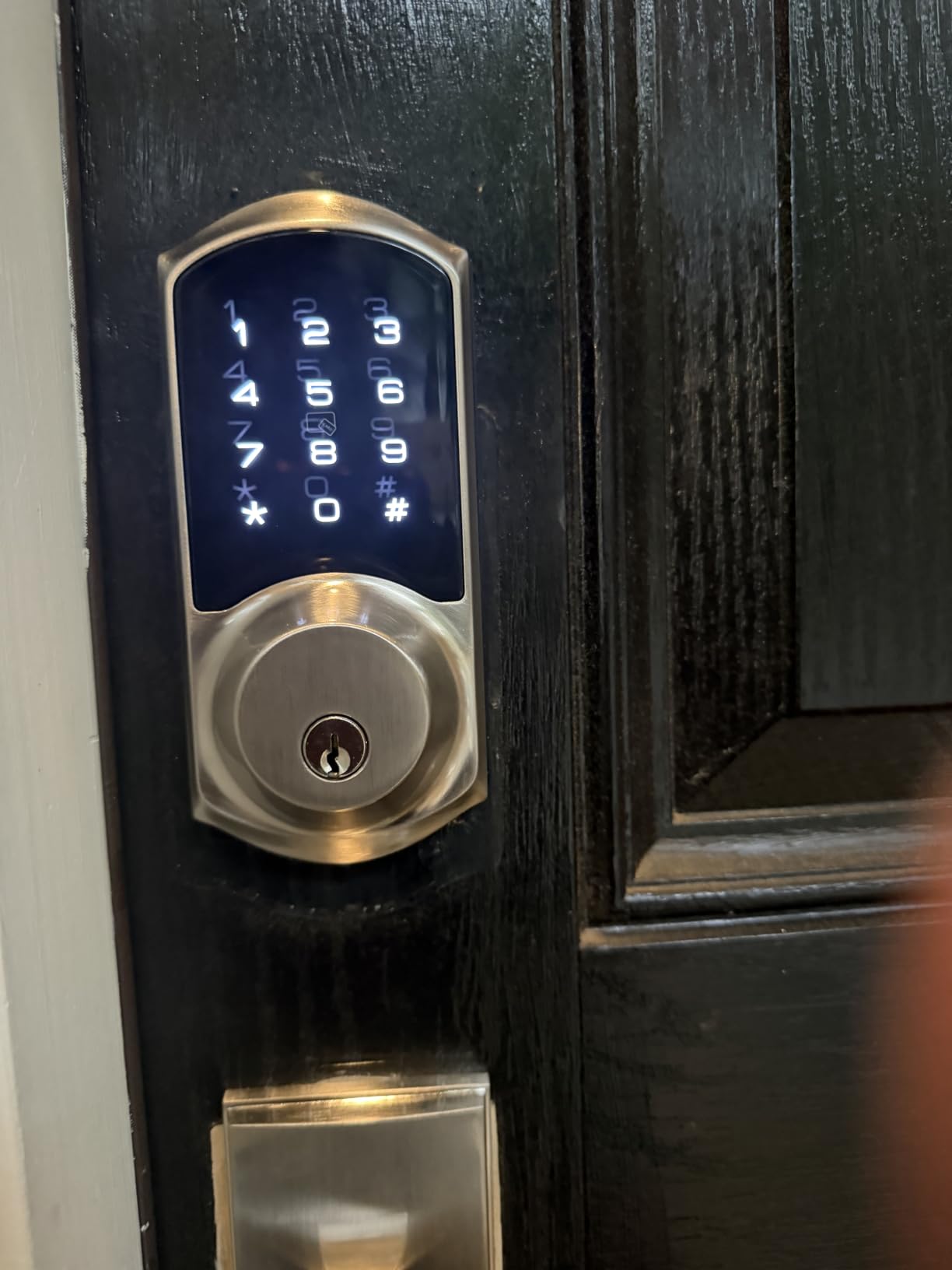
Five access paths are available: the app, a code, the two included fobs, a mechanical key, and the thumb turn. Privacy mode and passage mode are both supported, so you can stop notifications during a party or hold the door open for moving day.
Owners rate the finish, the straightforward installation and the US-based phone and email support, which walks people through programming. The warranty is one year and extends to two years with registration, with lifetime phone support and 24/7 email support behind it.
What You Should Know Before Buying?
It needs the separately sold Veise G2 gateway for Alexa, Google Home and remote notifications. Bluetooth and Wi-Fi are both listed, but the smart home integration still depends on that extra device.
Fit is stricter than most: three pre-drilled holes at a specific spacing, US standard doors 1-3/8 to 2 inches thick, and it fits either hand of door. There is also no fingerprint reader on this model, and one reviewer found chipped paint on the inside handle.
Who It Suits and Who Should Skip It?
Buy it for a house or rental with a lever handle, for a property manager who needs more than 250 coded users, or if you value phone support that actually answers. Recurring codes make weekly cleaners straightforward.
Skip it if the door does not have the required hole spacing, if you need fingerprint entry, or if you want voice assistant support without buying a gateway. It is a strong handleset, but it is not a fingerprint lock.
How to Choose a Smart Lock Without Regret?
Get these five decisions right and the rest is preference. Install type and connectivity cause almost every return, and they are the two things a shopping page never asks you.
Retrofit or Full Deadbolt Replacement?
A retrofit lock mounts over the deadbolt you already have, keeping the exterior cylinder and your existing keys. That is the option for renters, for doors where the hardware must not change, and for anyone who wants to preserve the look of an older front door. In this roundup, only the August Smart Lock Pro is a true retrofit.
A full replacement means removing the old deadbolt and fitting new hardware. You get a cleaner installation, better integrated design, and access to features retrofits cannot offer, such as fingerprint readers and Apple Home Key. Measure the door before you order: the Schlage Encode fits doors 1-3/8 to 1-3/4 inches thick with a 2-3/8 or 2-3/4 inch backset, while the Veise handleset needs three pre-drilled holes at a fixed spacing. Several others here install with no new drilling at all.
Connectivity: Wi-Fi, Z-Wave, Matter/Thread or Bluetooth
Built-in Wi-Fi is the simplest option and the most common. You unlock from anywhere without buying or powering another device, at the cost of battery life, because the radio is what keeps checking in.
Z-Wave, Zigbee and Matter/Thread route through a hub. You get lower power draw, stronger local automation, and no cloud dependence in some setups, but you must already own or buy the hub. This is the Hub Gap: a Z-Wave or Matter lock without a hub appears to do nothing, and first-time buyers routinely return it for that reason alone. If you build on SmartThings, an Aqara Zigbee 3.0 hub, or a Home Assistant box, that changes the whole shortlist.
Bluetooth-only is the third option, and it is genuinely enough for a single door. You unlock within range of your phone with no network at all, which is what the Sifely, the Yamiry and the Veise do by default. Remote access then becomes an accessory decision rather than a given.
Entry Methods and Security Grade
Decide who actually needs to get in. A keypad alone covers family and guests. A fingerprint reader removes typing in the rain, and buyers on r/BayAreaRealEstate describe tap and fingerprint entry as more convenient once they live with it. An Apple Watch or iPhone tap removes the phone entirely, but only the Aqara U100 and the ULTRALOQ Bolt Fingerprint WiFi offer native Apple Home certification in this group.
On physical security, look for the ANSI/BHMA grade. The Aqara U100 is a BHMA Level 3 equivalent, the eufy C220 is BHMA Grade 3 certified, and the Tapo DL110 and ULTRALOQ Bolt Fingerprint WiFi are Grade 2. Higher grades mean a harder lock to defeat physically, but a smart lock’s real advantage is behavioural: it locks itself when you forget.
The Honest Downsides
Battery drain is the loudest complaint in every forum we read, and the reason is usually the Wi-Fi radio rather than the motor. Weak signal makes it worse, which is why a router within about 70 feet matters for both ULTRALOQ models. Cold weather shortens intervals too. False low battery alerts are a separate annoyance, reported most often against August models.
Beyond power, a retrofit unit that shifts slightly in the door can throw off the locked and unlocked sensor and generate false locked reports. A lock that lies about being locked teaches you to ignore it, which defeats the point. Touchscreens also wear and fingerprint sensors do fail over time, and if a keypad is your only method, buy a lock that keeps a working mechanical key.
Before You Buy: Check Your Door
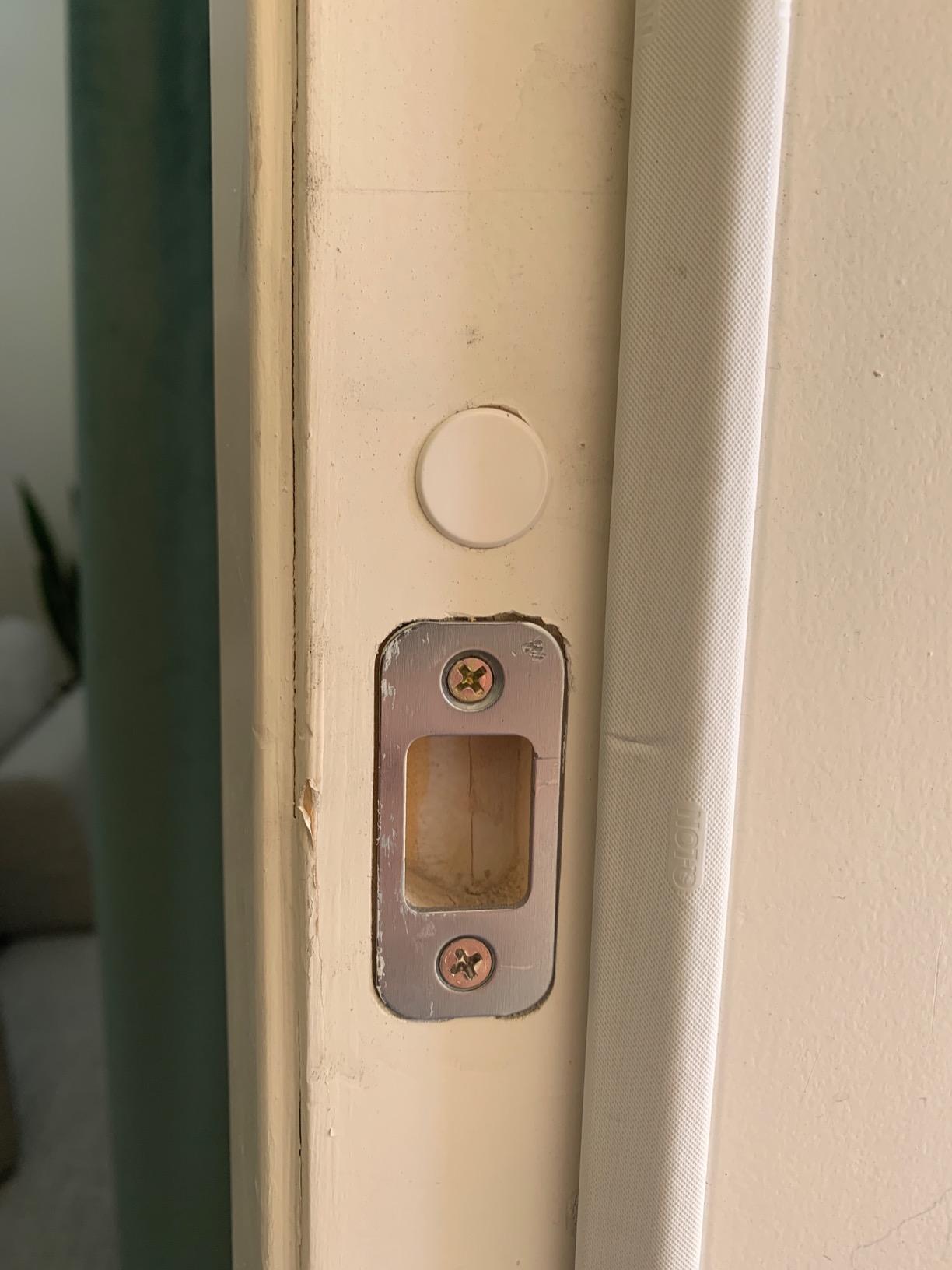
Measure the door thickness, the backset from the door edge to the spindle, the swing direction, and the bore diameter before you order. Check that the new lock keeps the door from binding, especially on older doors that have dropped slightly over the years. Confirm whether the strike plate you have matches, since retrofit and full replacement kits do not always include a new one.
For a fuller look at the wider category, our guide to the best smart locks for quilting experts covers door fitting in more detail, and buyers comparing this roundup with other connected-home picks can also check the best smart fans and the best smart space heaters for how we handle smart devices in a room rather than at a door.
Popular Questions Customers Ask About Smart Locks
Are smart locks worth it?
Yes, when your problem is convenience and access control rather than stronger hardware. Most break-ins happen through a door that was left unlocked, and an auto-lock fixes that. A smart lock also lets you issue a code that expires, and gives you a record of who came in.
Do smart locks need Wi-Fi?
Not to unlock at the door. Bluetooth alone covers keypad, fingerprint and phone proximity entry without any network. You only need Wi-Fi, or a hub, when you want to unlock from somewhere else or read the activity log while you are away.
What can you do with a smart lock?
More than unlock the door. You can create one-time and scheduled codes for guests, share an eKey with family, use geofencing to unlock as you approach, auto-lock on a timer, get alerts when the door is left ajar, see a log of every entry, and put the whole thing into routines that lock up when everyone leaves the house.
Frequently Asked Questions
Which smart door lock brand is best?
For most households the ULTRALOQ Bolt SE is the strongest all-round choice because it combines a fingerprint reader, keypad, app, Matter over Thread and built-in Wi-Fi in one unit. Schlage is the pick for the most proven hardware and the largest code capacity, Aqara is the pick for native Apple Home Key, and Tapo is the one with a rechargeable battery pack. The best brand is the one whose hub requirements match the home you already run.
Is Schlage or Yale better?
Schlage is the stronger pick in this roundup on the evidence we could verify: the Encode Smart WiFi carries more than 13,000 reviews, holds up to 100 access codes, ships with a built-in Wi-Fi radio so no bridge is needed, and has a limited lifetime mechanical warranty. Its trade-offs are a shorter six-month battery interval and no fingerprint reader. Yale is a strong brand with good reviews, but no Yale model appears in our product set, so we cannot make that comparison from tested data.
Why is my smart door lock battery dying so fast?
In most cases the Wi-Fi radio is the culprit, not the motor. A lock with a weak signal to your router wakes the radio constantly to look for it, and the fix is a router within about 70 feet or a mesh node near the door. Cold weather, high traffic and un-enrolled fingerprints that get read constantly also shorten intervals, and any lock running Matter or Z-Wave on a hub is normally gentler on the batteries than one on Wi-Fi.
What happens if the battery dies on a smart lock?
You can still get in. Every lock here keeps a physical key, several ship an emergency contact or USB-C port for external power, and most send low battery alerts in advance. The August retrofit keeps your original deadbolt and keys, so your existing key is the backup. The only genuine risk is letting the batteries die without warning, which is why we treat real-time low battery alerts as a buying criterion.
Which smart lock has the longest battery life?
On the claims in the listings, the ULTRALOQ Bolt SE leads with up to 18 months, and the ULTRALOQ Bolt Fingerprint WiFi and the Tapo DL110 both claim up to one year, with the Tapo using a rechargeable pack rather than cells. Treat these as best cases. Real intervals depend on signal strength, how often the door opens and the temperature, and owners report far shorter intervals on August models. Replacing the cells with rechargeable AA batteries is the simplest way to improve any of them.
Can I install a smart lock myself?
Yes, for most of these models. The Sifely, Yamiry and eufy C220 are described as ten to fifteen minute no-drill jobs on standard American doors, and the ULTRALOQ and Schlage installs are screwdriver work with a mounting plate that stays on the door. The two harder cases are the Veise handleset, which needs three pre-drilled holes at a fixed spacing, and any retrofit on an unfamiliar deadbolt. Measure thickness, backset and bore diameter before ordering.
Do smart locks need a hub?
It depends on the model. Five of the ten here connect to Wi-Fi directly and need no hub at all, and the August bundle includes its own bridge. The Aqara U100 needs an Aqara Zigbee 3.0 hub for away-from-home codes and logs, and the Sifely, Yamiry and Veise need a separate gateway for remote access and voice assistants. This is known as the Hub Gap: a lock bought for its hub-free features is the one most often returned after the hub proves necessary.
What are the downsides of using a smart lock?
The recurring complaints are battery drain, false low battery notifications, a lock that reports closed when the door is ajar because a retrofit unit shifted, and touchscreens or fingerprint sensors that fail over time. You also take on a cloud or hub dependency for remote access, and the electronics are a serviceable item that can fail in a way a mechanical deadbolt never will. None of these are dealbreakers, but they are real and worth budgeting time for.
The Best Smart Lock to Buy in 2026
The best smart locks of 2026 are not decided by who has the longest feature list. They are decided by whether the lock fits your door, whether it works with the smart home you already own, and whether it tells you before the batteries die.
The ULTRALOQ Bolt SE Wi-Fi is our pick overall. Seven unlock methods, built-in Wi-Fi plus Matter over Thread, an IP65 zinc alloy body, and a warranty that covers the mechanism for life. If you need a door sensor, take the ULTRALOQ Bolt Fingerprint WiFi in position eight, which adds one and adds Apple Home certification.
The rest of the shortlist is straightforward. Schlage Encode for the most codes and the most proven hardware. August Smart Lock Pro if you cannot change exterior hardware. Aqara U100 if your household lives in Apple Home Key. Tapo DL110 if you never want to buy batteries again. Sifely or Yamiry on a tight budget. Veise if your door has a lever instead of a deadbolt. And the eufy C220 for the best balance of fingerprint entry, built-in Wi-Fi and certification for the money.
Whichever you choose, measure your door first, check the hub requirements against what you already own, and expect to change batteries eventually unless you choose the rechargeable design. That is the whole buying guide.